
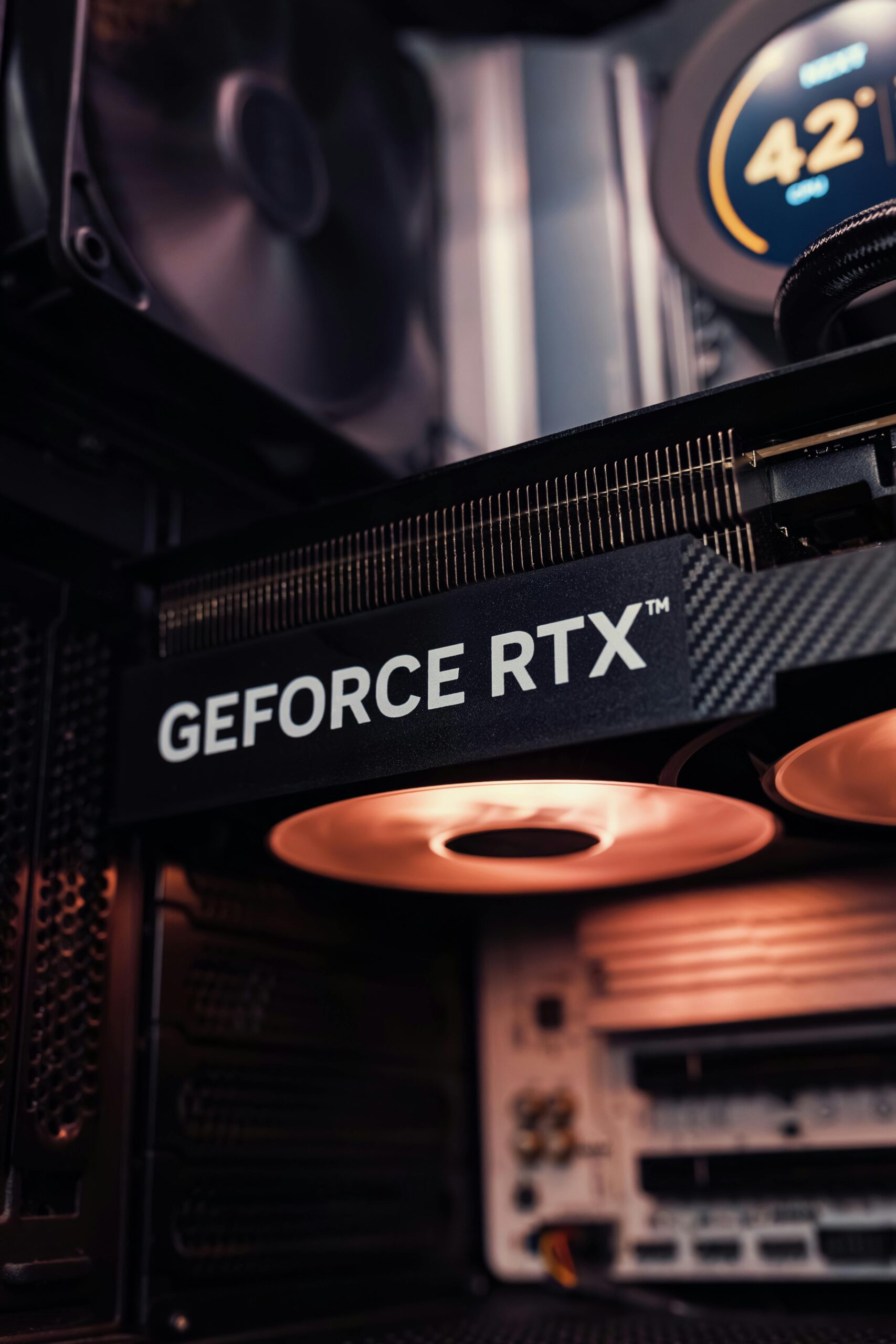
Too many GPUs options for 1080p gaming? Here are the 5 best GPUs in 2026, ranked by price, performance, and real value (no overkill picks)
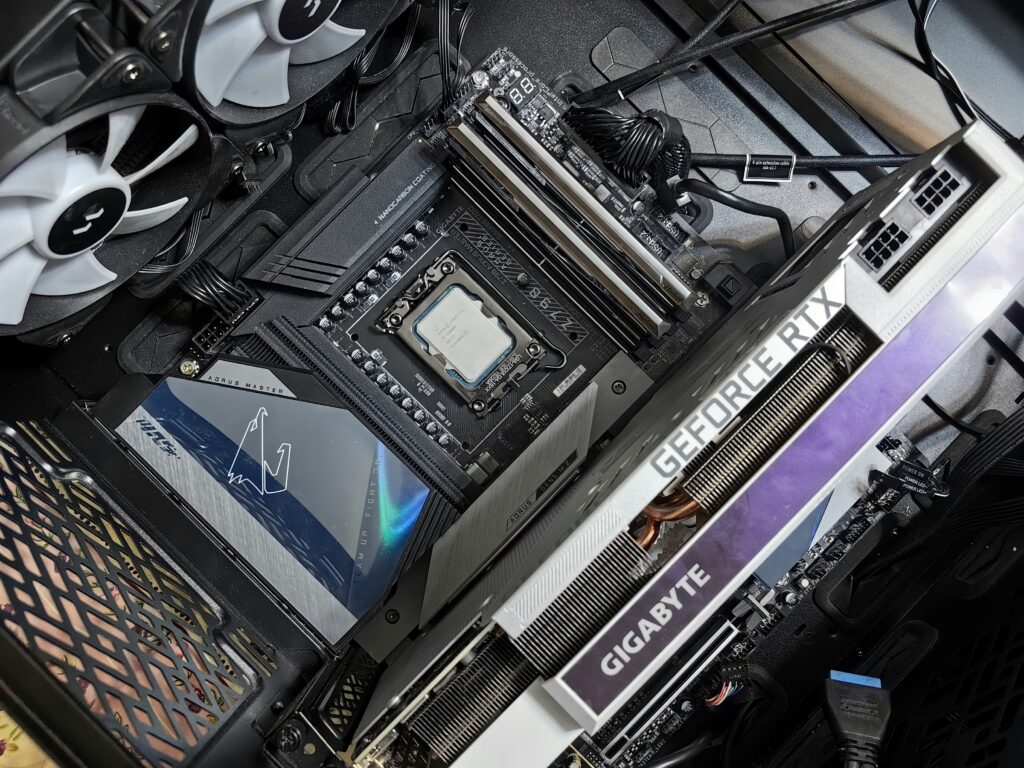
If you’re building a gaming PC right now, chances are you’ve searched something like “ best gpus for 1080p gaming” and ended up more confused than before.
There’s too many options, everyone recommends something different, and half the time people are suggesting GPUs that are way overkill for 1080p.
So let’s simplify it.
This guide is for people who want smooth gameplay and dont want to overspend
Why 1080p Gaming Is Still Relevant in 2026
Even in 2026, 1080p gaming still makes the most sense for a lot of people. It’s easier to run, which means you get higher FPS without needing an expensive GPU. That matters way more if you play competitive games where smooth gameplay is everything. Hardware is also cheaper overall, so you can build a solid setup without overspending. And honestly, on a normal-sized monitor, 1080p still looks perfectly fine for most games. Unless you really care about ultra visuals, it’s still the best balance between performance and cost.
Why Choosing the Right GPU Matters
Picking the right GPU actually makes a big difference, even for 1080p gaming. Go too cheap, and you’ll start noticing stutters, lower settings, or games struggling after a year or two. Go too expensive, and you’re just paying for performance you won’t really use at this resolution. The right GPU gives you smooth gameplay, stable FPS, and enough headroom for newer games without wasting money. It’s basically about finding that balance where everything just runs well without overdoing it
What to Look For in a 1080p Gaming GPU
When choosing a GPU for 1080p gaming, a few things matter more than everything else. First is VRAM. Right now, 8GB is the minimum you should aim for. Anything lower can struggle in newer games, especially if you’re playing on high settings. If you want your GPU to last a few years, more VRAM definitely helps.
Next is performance, and this is where benchmarks come in. Don’t just look at the GPU name—check real gameplay results. Look for how it performs in games like Cyberpunk, Warzone, or Fortnite at 1080p. A good target is at least 60 FPS on high settings, or higher if you’re aiming for a 144Hz setup.
Price to performance is also important. Some GPUs cost more but don’t give much extra FPS, which just isn’t worth it for 1080p. You want something that gives solid performance without pushing into overpriced territory.
Lastly, think about future proofing. Games are getting more demanding, so picking a GPU that’s slightly above your current needs can save you from upgrading too soon.
Best GPUs for 1080p Gaming in 2026
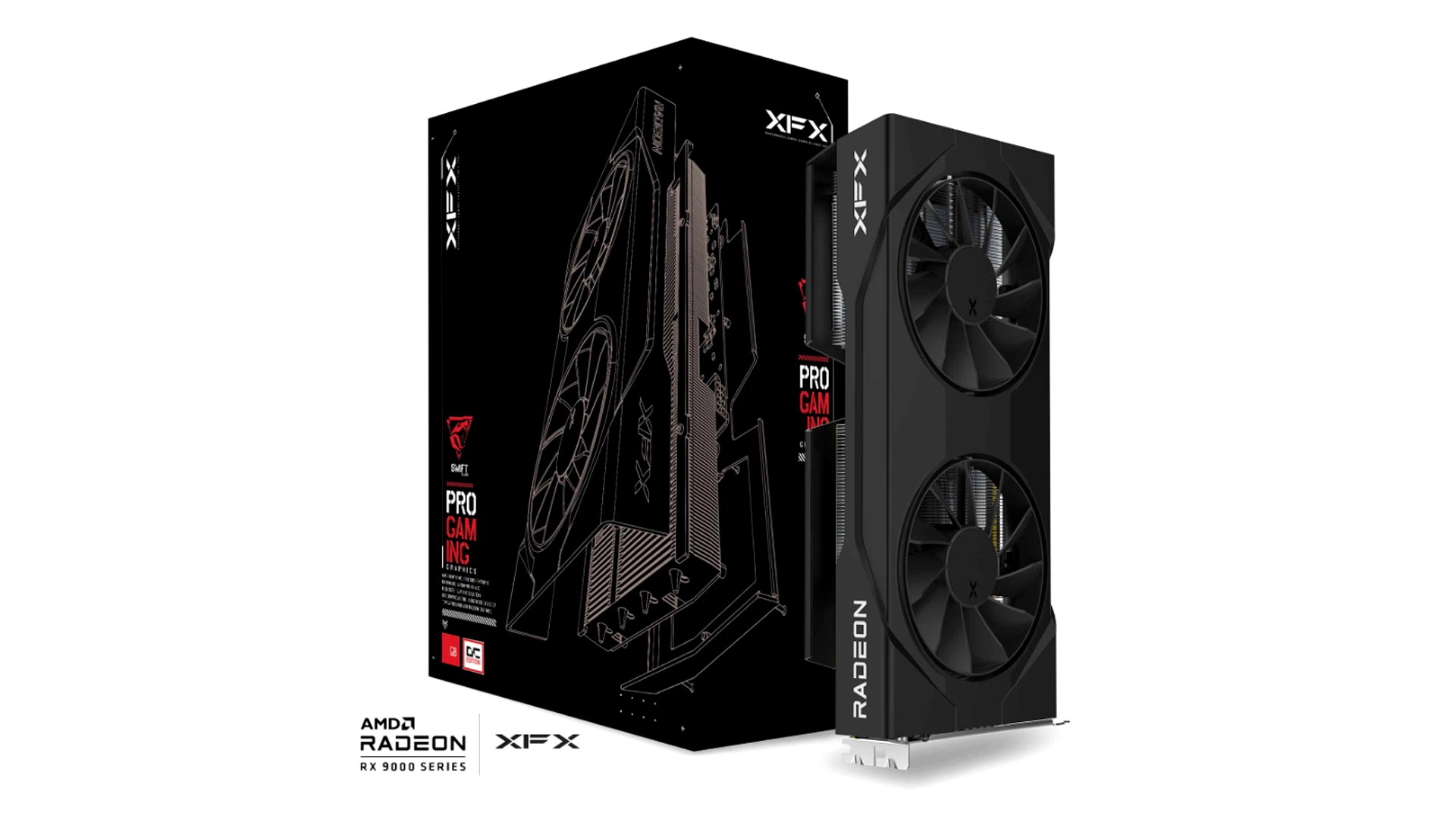
1.RX 9060 XT (Best Value Pick)
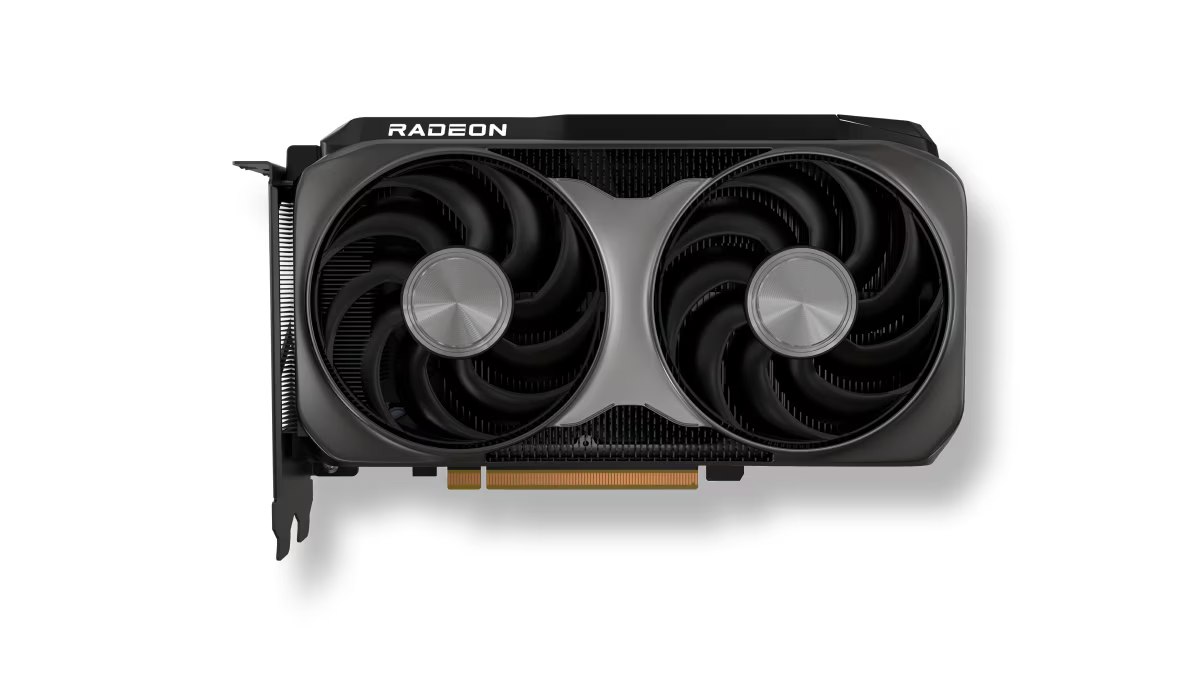
If you want max FPS for your money at 1080p, the RX 9060 XT is arguably the best card for you right now.
Released in 2025, it’s built on AMD’s RDNA 4 architecture — the same generation powering their high end cards — which means you’re getting genuinely modern GPU technology at a mid-range price. What makes it particularly interesting right now is that it consistently outperforms the RTX 5060 in raw FPS benchmarks while costing roughly the same. For pure 1080p gaming, that’s a compelling case
Key specs
- Up to 16GB GDDR6 VRAM
- RDNA 4 architecture (better efficiency + performance)
- High boost clocks (around 3GHz+)
- Supports FSR for extra FPS
Price
When it comes to pricing, the RX 9060 XT varies quite a bit depending on the brand and vram version you choose. The 8GB model usually sits around $349-360 and is still perfectly fine for pure 1080p gaming right now. But the 16GB version ranges from about $449-470 and is the better option if you’re thinking long term. Unless you’re on a tight budget, it makes more sense to go for the 16GB version, since VRAM is starting to matter more as newer games get heavier
1080p performance
At 1080p, the RX 9060 XT handles pretty much everything comfortably. Esports games run at very high frame rates, and most modern AAA titles stay smooth on high or ultra settings without much tweaking. It’s the kind of GPU where you can just install a game and play, instead of constantly adjusting settings to keep things stable.
Benchmark (1080p High/Ultra Settings)
| Game | Average FPS |
|---|---|
| Valorant | 250–300 FPS |
| CS2 | 200–280 FPS |
| Fortnite | 140–200 FPS |
| Cyberpunk 2077 | 75–95 FPS |
| Hogwarts Legacy | 70–90 FPS |
| Warzone | 100–130 FPS |
Note: Esports titles are CPU dependent — these numbers assume a modern mid-range CPU.
Who Should Buy the RX 9060 XT?
The RX 9060 XT makes the most sense for gamers who care about getting the most performance possible for their money. If your main goal is maximizing FPS in traditional rasterized games, AMD’s card remains a strong option. It’s also a good fit for buyers who want a GPU that can comfortably handle modern 1080p gaming today while still leaving the door open for some 1440p gaming down the road. At the right price, the RX 9060 XT delivers the kind of value that’s difficult to ignore.
Who Should NOT Buy the RX 9060 XT?
The RX 9060 XT is a harder recommendation for gamers who place a high priority on ray tracing performance. While AMD has improved in this area, Nvidia still holds the advantage in most ray-traced games. It’s also probably overkill if you only play lightweight esports titles such as Valorant, League of Legends, or Counter-Strike 2, where much cheaper GPUs can already deliver excellent frame rates. Finally, if features like DLSS and Frame Generation are important to you, you’ll likely be happier with an Nvidia card instead.
Also read our full review on the RX 9060 XT
Verdict
A strong value GPU that delivers smooth 1080p performance with enough headroom to stay relevant for years.
Check RX 9060 XT price on Amazon
2.RTX 5060 (Best for Nvidia Users )
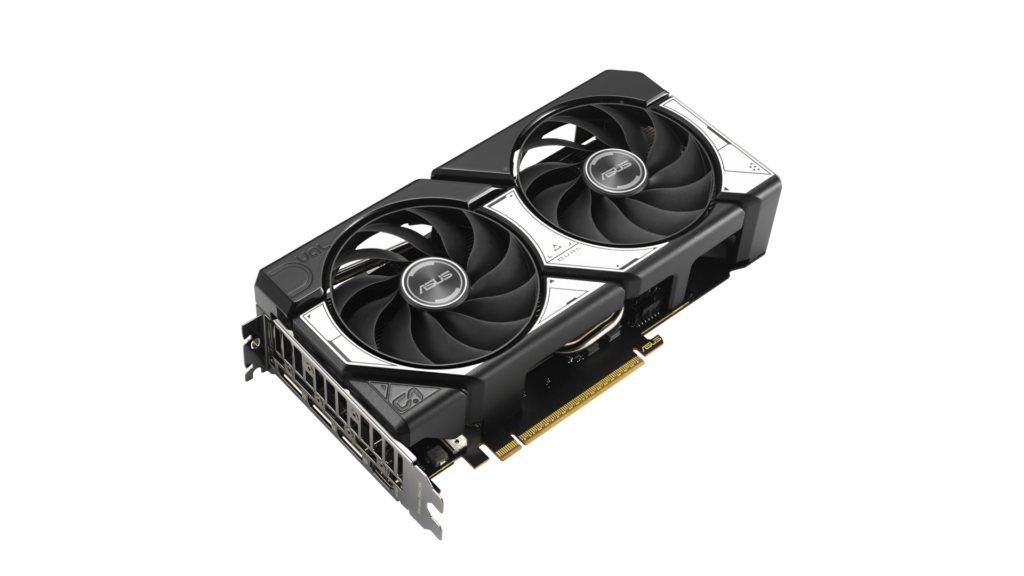
At around $300–380 USD depending on the brand and cooling model, this is one of the safest picks for smooth 1080p gaming right now.
The RTX 5060 is Nvidia’s mid-range GPU for 2025, priced at around $350-355. Built on Blackwell architecture, it brings improved efficiency and DLSS 4 with frame generation. While it doesn’t always win in raw FPS against the RX 9060 XT, DLSS 4 and Nvidia’s feature set often make graphics better and gameplay feel smoother in practice — especially in newer titles that support frame generation
Key specs
- 8GB GDDR7 VRAM
- Blackwell architecture (new-gen NVIDIA platform)
- DLSS 4 + frame generation support
- Good power efficiency (~180W range)
Price
Most RTX 5060 models fall between $300–380 depending on the brand, cooling design, and factory overclock. You’ll usually see slightly higher prices for premium models from brands like ASUS or MSI, but performance stays mostly the same across variants.
1080p performance
At 1080p, the RTX 5060 is very consistent across most games. It handles esports titles easily at high frame rates, and AAA games run smoothly on high or ultra settings with DLSS helping boost performance further. Compared to AMD options, it may not always have the highest raw FPS, but it feels more stable in demanding games thanks to better optimization and upscaling support.
Benchmark (1080p High/Ultra Settings)
| Game | Average FPS |
|---|---|
| Valorant | 220–280 FPS |
| CS2 | 180–240 FPS |
| Fortnite | 120–170 FPS |
| Cyberpunk 2077 | 70–90 FPS |
| Hogwarts Legacy | 65–85 FPS |
| Warzone | 90–120 FPS |
Note: Esports titles are CPU dependent — these numbers assume a modern mid-range CPU.
Who Should Buy the RTX 5060?
The RTX 4060 is a good fit for gamers who want a balanced graphics card, It handles both competitive esports titles and demanding games well, making it a solid all-around option for 1080p gaming. Nvidia’s DLSS 3 and Frame Generation support are also major advantages, helping maintain smoother gameplay in supported titles without constantly tweaking graphics settings. If you want a GPU that simply works across a wide range of games and comes with Nvidia’s feature set, the RTX 4060 remains an easy recommendation.
Who Should NOT Buy the RTX 5060?
The RTX 4060 becomes is not your best card if your main goal is getting the highest possible FPS for your money. In pure rasterized gaming,RX 9060 XT can offer stronger value depending on local pricing. The card is also limited by its 8GB of VRAM, which may be a concern if you’re planning to keep the same GPU for many years. Finally, if you’re shopping on a very tight budget, there are often cheaper options that deliver a similar gaming experience for less money.
Read our full review on the RTX 5060
Verdict
A well-rounded GPU that delivers reliable 1080p performance with strong features, making it the safest overall choice for most gamers.
Check RTX 5060 price on Amazon
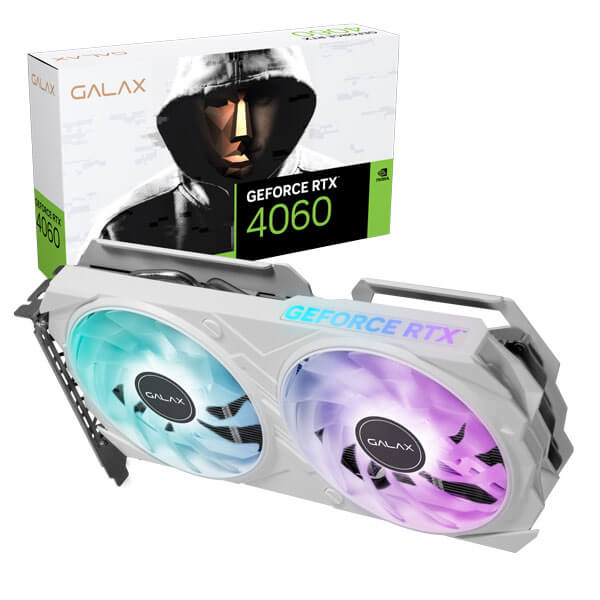
3.RTX 4060 (Best Plug and Play)
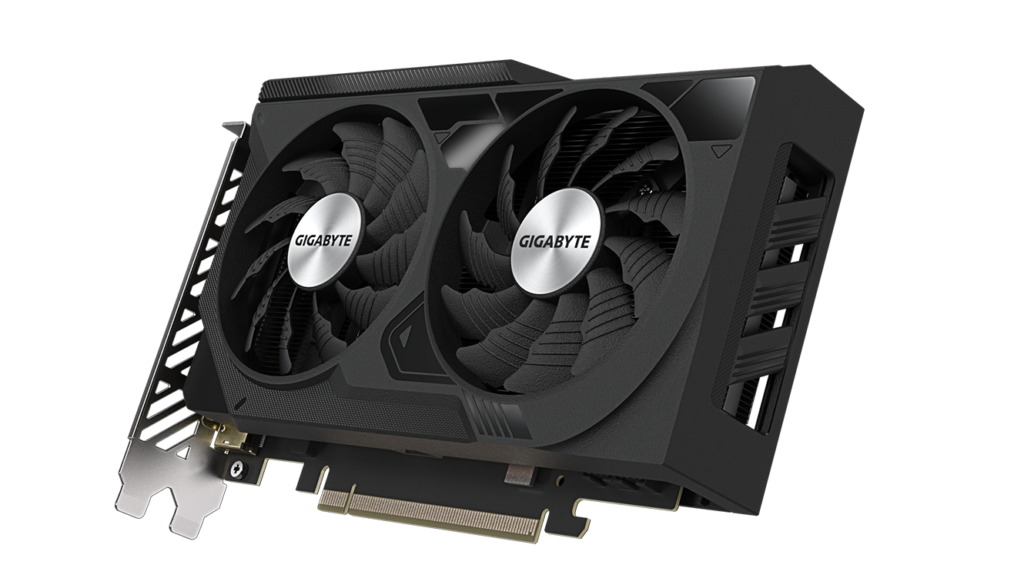
At around $280–320 USD depending on the brand and model, this is still one of the most reliable budget options for 1080p gaming.
Released as part of NVIDIA’s 40-series lineup, the RTX 4060 is built on the Ada Lovelace architecture, giving you access to DLSS 3 and frame generation. It’s not the newest card anymore, but it still holds up well for 1080p and feels smooth in most games thanks to NVIDIA’s optimization and upscaling tech.
Key specs
- 8GB GDDR6 VRAM
- Ada Lovelace architecture
- DLSS 3 + frame generation support
- Very power efficient (~115W)
Price
Most RTX 4060 models sit between $280–320 depending on cooling design and brand. It’s often cheaper than newer GPUs, which is what makes it worth considering.
1080p performance
At 1080p, the RTX 4060 still delivers solid performance across most games. Esports titles run at high frame rates easily, and AAA games are playable on high settings, especially with DLSS helping maintain smoother performance. It’s not as strong as newer GPUs, but it’s consistent and gets the job done without issues.
Benchmark (1080p High/Ultra Settings)
| Game | Average FPS |
|---|---|
| Valorant | 200–260 FPS |
| CS2 | 170–220 FPS |
| Fortnite | 110–150 FPS |
| Cyberpunk 2077 | 60–75 FPS |
| Hogwarts Legacy | 55–70 FPS |
| Warzone | 80–110 FPS |
Note: Esports titles are CPU dependent — these numbers assume a modern mid-range CPU.
Who Should Buy the RTX 4060?
The RTX 4060 still makes sense for a lot of gamers. If you’re shopping on a budget and find one at a good price, the card handles 1080p gaming well, DLSS 3 is very useful in newer games, and you don’t need to build your entire PC around it. For someone who mostly plays a mix of esports titles and AAA games, the RTX 4060 is still easy to live with.
Who Should NOT Buy the RTX 4060?
I think the biggest reason to skip the RTX 4060 is simple: you’re not actually limited to an RTX 4060.
If your budget stretches to something newer and noticeably faster, then just get something else. The 8GB VRAM isn’t a disaster today, but it’s the one problem that is gonna trouble you later especially if you want to use it for years
Read our full review on the RTX 4060
Verdict
Still a solid GPU for 1080p gaming with DLSS doing a lot of heavy lifting, but the 8GB VRAM holds it back going forward.
Check RTX 4060 price on Amazon
4.Intel Arc B580 (Low VRAM Price)
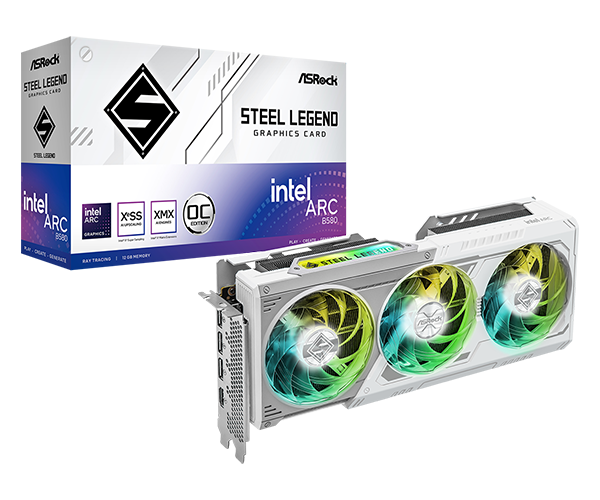
This GPU is one of the cheapest ways to get high VRAM and strong 1080p performance right now.
Released in late 2024, the B580 is built on Intel’s Xe2 (Battlemage) architecture, marking a big step up from their older GPUs. What makes it interesting is how much performance and VRAM you get for the price—12GB at this range is rare. In some cases, it can even compete with GPUs like the RTX 4060 in raw performance, especially in memory-heavy games.
Key specs:
- 12GB GDDR6 VRAM
- Xe2 (Battlemage) architecture
- 192-bit memory bus (good bandwidth)
- XeSS upscaling support
Price
Most B580 models sit between $250–300 depending on brand and cooling. That makes it one of the most affordable mid-range GPUs right now.
1080p performance
At 1080p, the B580 performs surprisingly well for its price. Esports titles run at high FPS, and AAA games are playable on high settings without much trouble. The extra VRAM helps in newer games where other budget GPUs start to struggle, especially at higher textures.
Benchmark (1080p High/Ultra Settings)
| Game | Average FPS |
|---|---|
| Valorant | 220–280 FPS |
| CS2 | 180–240 FPS |
| Fortnite | 120–170 FPS |
| Cyberpunk 2077 | 65–85 FPS |
| Hogwarts Legacy | 60–80 FPS |
| Warzone | 90–120 FPS |
Note: Esports titles are CPU dependent — these numbers assume a modern mid-range CPU.
Who Should Buy the Intel Arc B580?
The Arc B580 is one of those GPUs that becomes more interesting the longer you look at it. The 12GB of VRAM immediately stands out in a market where many competing cards are still stuck at 8GB, and that’s a real advantage in newer games that continue to demand more memory. If your priority is getting as much gaming performance as possible for your money, the B580 has a strong case. It’s also a good fit for people who don’t mind spending a few minutes tweaking settings or experimenting to get the most out of their hardware.
Who Should NOT Buy the Intel Arc B580?
The Arc B580 isn’t the card I’d recommend to someone who wants the most hassle-free experience possible. Intel’s drivers have improved a lot, but Nvidia still has a reputation for being the safer choice when you just want everything to work. If DLSS, CUDA acceleration, or Nvidia’s software ecosystem are important to you, the Arc B580 will feel like a compromise. This card makes the most sense for buyers chasing value. If stability and features matter more than value, there are better options.
Verdict
A strong budget option with more VRAM than most competitors, but with some trade-offs in polish and features.
Check Intel Arc B580 price on Amazon
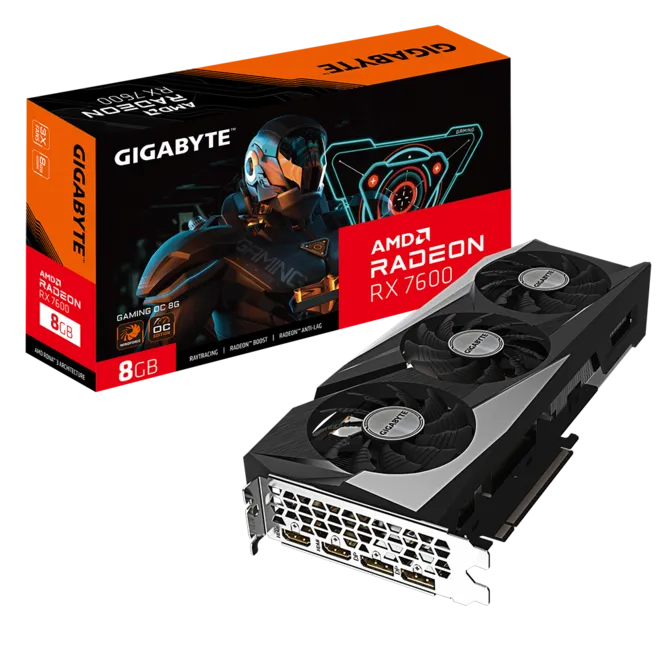
5.RX 7600 (Best Budget)
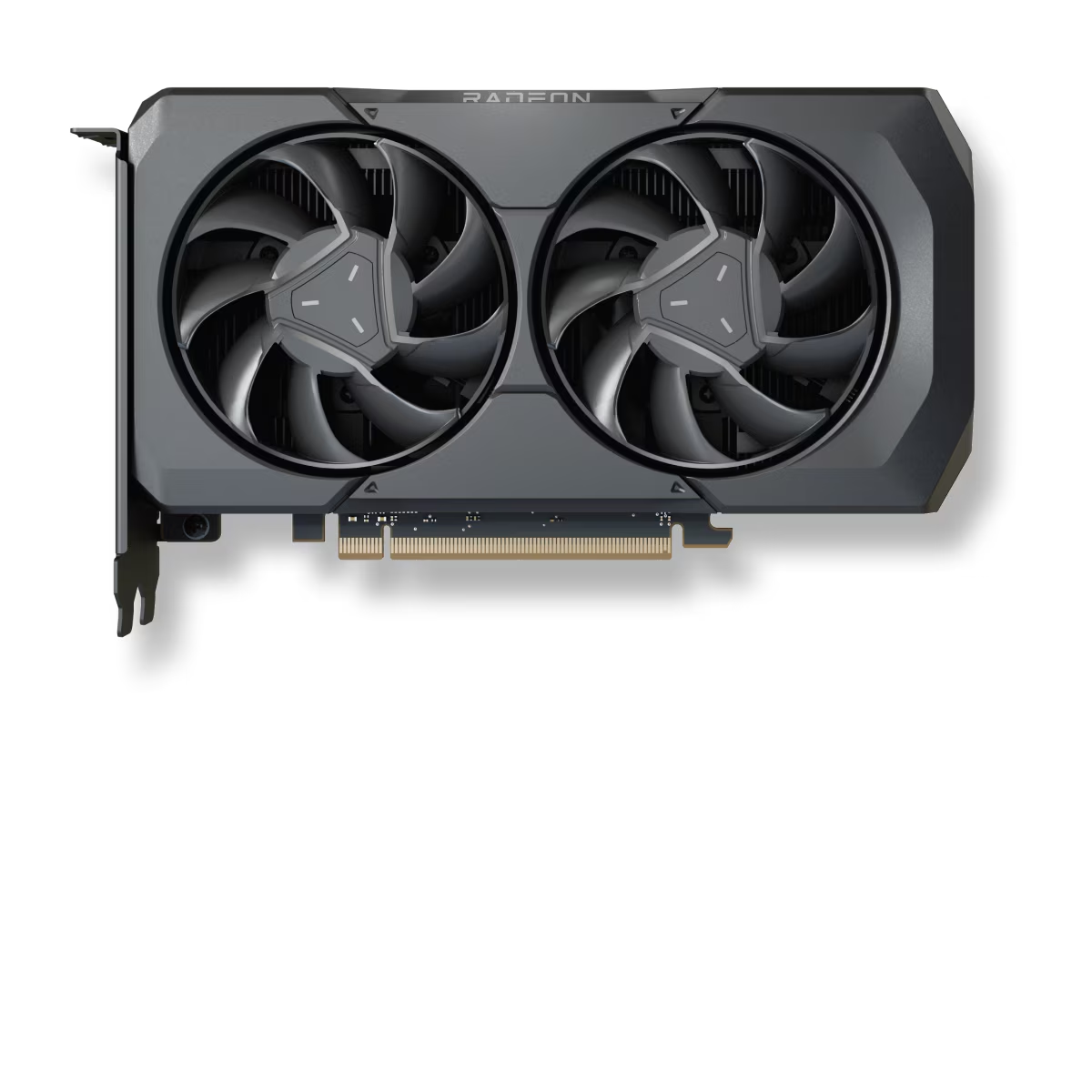
If you’re looking for a gpu for 1080p gaming on a tighter budget, this sits around $265 and still delivers solid performance for the price.
Released in 2023, the RX 7600 is built on AMD’s RDNA 3 architecture, which was designed mainly for high refresh rate 1080p gaming. It’s not as new as the other GPUs on this list, but it still holds up surprisingly well if you’re on a budget. The main catch is the 8GB VRAM, which is starting to feel a bit limited in newer games, so it’s more of a “good for now” option rather than long-term
Key specs
- 8GB GDDR6 VRAM
- RDNA 3 architecture
- Boost clock up to ~2.6GHz
- Supports FSR upscaling
Price
Most RX 7600 models fall between $260–300 (₹25,000–30,000) depending on cooling and brand. It’s one of the most affordable GPUs in this performance range.
1080p performance
At 1080p, the RX 7600 performs well in most games, especially esports titles where it easily pushes high frame rates. AAA games are playable on high settings, though you may need to lower settings slightly in heavier titles. It’s still a strong 1080p card, just not as comfortable as newer GPUs when it comes to long-term use.
Benchmark (1080p High/Ultra Settings)
| Game | Average FPS |
|---|---|
| Valorant | 220–280 FPS |
| CS2 | 180–240 FPS |
| Fortnite | 120–160 FPS |
| Cyberpunk 2077 | 60–75 FPS |
| Hogwarts Legacy | 60–80 FPS |
| Warzone | 90–120 FPS |
Note: Esports titles are CPU dependent — these numbers assume a modern mid-range CPU.
Who Should Buy the RX 7600?
The RX 7600 is aimed at gamers who want solid 1080p performance without spending much. It still handles esports titles with ease, and it’s powerful enough for most modern games at high settings. If you’re upgrading from an older card like a GTX 1660, RX 580, or RTX 2060, the jump in performance is noticeable. The RX 7600 also makes sense for buyers who care more about frame rates and value than having every premium feature on the market.
Who Should NOT Buy the RX 7600?
The biggest argument against the RX 7600 is that it isn’t particularly forward-looking. The 8GB of VRAM is already its most obvious limitation, and that’s unlikely to become less important as games continue to demand more memory. If your budget can stretch to something newer like the RX 9060 XT, I’d seriously consider spending the extra money. The RX 7600 also isn’t the card I’d pick if your goal is running the latest games at maximum settings for years to come. It still performs well, but it’s very much a 1080p value card rather than a long-term powerhouse.
Read our full review on the RX 7600
Verdict
A solid budget GPU for 1080p gaming today, but not the best choice if you want something that lasts long-term.
| GPU | VRAM | Avg FPS (1080p) | Price | Power Efficiency | Features | Best For |
|---|---|---|---|---|---|---|
| RX 9060 XT | 8–16GB | ⭐⭐⭐⭐½ | $300–500 | ⭐⭐⭐⭐ | FSR, AFMF | Best value |
| RTX 5060 | 8GB | ⭐⭐⭐⭐ | $300–380 | ⭐⭐⭐⭐½ | DLSS 4, Frame Gen | Best overall |
| RTX 4060 | 8GB | ⭐⭐⭐ | $280–320 | ⭐⭐⭐⭐⭐ | DLSS 3, Frame Gen | Cheaper option |
| Arc B580 | 12GB | ⭐⭐⭐⭐ | $250–300 | ⭐⭐⭐ | XeSS | Budget + VRAM |
| RX 7600 | 8GB | ⭐⭐⭐ | $260–300 | ⭐⭐⭐⭐ | FSR | Basic 1080p |
Which GPU Should You Actually Buy?
If you’re still confused after all the options, the easiest way to decide is by budget + what you care about more (FPS, features, or long-term use).
Under $300
At this price, you’re mainly choosing between RX 7600 and Arc B580, and they’re good for different reasons.
- RX 7600 is the safer option. It’s stable, easy to use, and runs most 1080p games without issues. If you just want something that works without tweaking, this is the better pick.
- Arc B580 gives you more VRAM (12GB) and slightly better performance in some newer games, especially ones that use more memory. But it’s not as polished, so you might run into small issues here and there.
- BUT If you can find an RTX 4060 under $300, it becomes one of the best options in this range. It’s generally a better pick than the RX 7600 thanks to DLSS and better efficiency. Compared to the B580, it comes down to preference — the 4060 offers a more stable experience, while the B580 gives you more VRAM for newer games.
⭐If you find an RTX 4060 under $300, it’s usually the smartest buy in this range.
⭐ If you want more VRAM for newer games, the B580 is worth considering.
⭐ If the RX 7600 is significantly cheaper, then it still makes sense as a budget option.
Around $300–400
This is where you should aim if possible. You get the best balance of performance and features.
- RTX 5060 is the most balanced choice here. It performs well across almost all games, and DLSS + frame generation help a lot in newer titles. It’s the kind of GPU that just feels smooth and consistent.
- RX 9060 XT (8GB) is better if you care about raw FPS and VRAM. It often performs slightly better in pure performance and gives you more headroom for future games, especially with the 16GB version
⭐If you want stability + better features, go RTX 5060
⭐If you want maximum FPS and better future proofing, go RX 9060 XT
Around $400–500
At this point, spending more doesn’t mean you should jump to high-end GPUs.
- The RX 9060 XT (16GB) is the best choice here. The extra VRAM actually matters for newer games, and it gives you more long-term value compared to other cards in this range.
Anything above this starts to become overkill for 1080p, unless you’re planning to upgrade to 1440p soon.
But what if my budget is 200$ or even 100-150$?
This is where you have to be careful. At this price, you’re not really buying for the future, you’re just trying to get something that works for now.
Your best options here are used RTX 2060, GTX 1660 Super or RX 6600
Perfomance wise RX 6600 is usually the best pick here, It still handles 1080p pretty well and gives you solid FPS in most games and you can get it around exact 200$ or if you are lucky, you can get it a little lower but still close to 200$ . The 1660 Super works too, but it’s starting to show its age, especially in newer titles. However, you can get it around 100$ so if you are on budget this is the best choice
The RTX 2060, in perfomance is between the RX 6600 and 1660 Super , it is weaker in raw perfomance than the RX 6600 but it has DLSS and ray tracing so it just really comes down to preference
| Attribute | RTX 2060 6GB | GTX 1660 Super 6GB | RX 6600 8GB |
|---|---|---|---|
| VRAM | 6GB | 6GB | 8GB |
| Architecture | Turing | Turing (no RT cores) | RDNA 2 |
| Avg FPS (1080p) | ⭐⭐⭐ | ⭐⭐½ | ⭐⭐⭐⭐ |
| Ray Tracing | ✅ (basic) | ❌ | ❌ |
| Upscaling | DLSS | ❌ | FSR |
| Power Usage | ~160W (ZOTAC) | ~125W | ~130W |
| Current Used Price | $120–180 | $100–120 | $150–200 |
| Best For | DLSS + features | Cheapest option | Best performance |
FAQ
What GPU do I need for 1080p gaming in 2026?
For most people, a mid-range GPU like the RTX 5060 or RX 9060 XT is more than enough for 1080p gaming. If you’re on a budget, options like the RTX 4060 or RX 7600 still work well. You don’t need a high-end GPU for 1080p.
Is 8GB VRAM enough for 1080p gaming?
Right now, yes — 8GB is still usable, but it’s starting to feel tight in newer games. If you plan to keep your GPU for a few years, going for 12GB or more is a safer choice.
What is the best budget GPU for 1080p gaming?
If you’re spending under $300, the RTX 4060 (if priced right) or Arc B580 are strong options. If you’re going even lower, the RX 6600 (used) is one of the best value picks.
Is 1080p gaming still worth it in 2026?
Yes, 100%. 1080p still gives you the best balance of performance and cost. You get higher FPS, cheaper hardware, and a smoother experience overall compared to higher resolutions.
Can I use a 1440p GPU for 1080p gaming?
You can, but it’s usually overkill. A stronger GPU will give you more FPS, but you won’t fully use its potential unless you plan to upgrade your monitor later.
Final Conclusion
At the end of the day, choosing a GPU for 1080p gaming isn’t about getting the most powerful option — it’s about getting the right one for your budget.
Most people don’t need a high-end GPU. A good mid-range card will already give you smooth gameplay, high FPS, and a solid experience in almost every game.
If you want the best balance, go with something like the RTX 5060. If you care about value and VRAM, the RX 9060 XT makes more sense. And if you’re trying to save money, there are still plenty of options that get the job done without issues.
The key is simple — don’t overspend, and don’t go too cheap. Find that middle ground where your games run well, and you’re not upgrading again in a year
Also Read
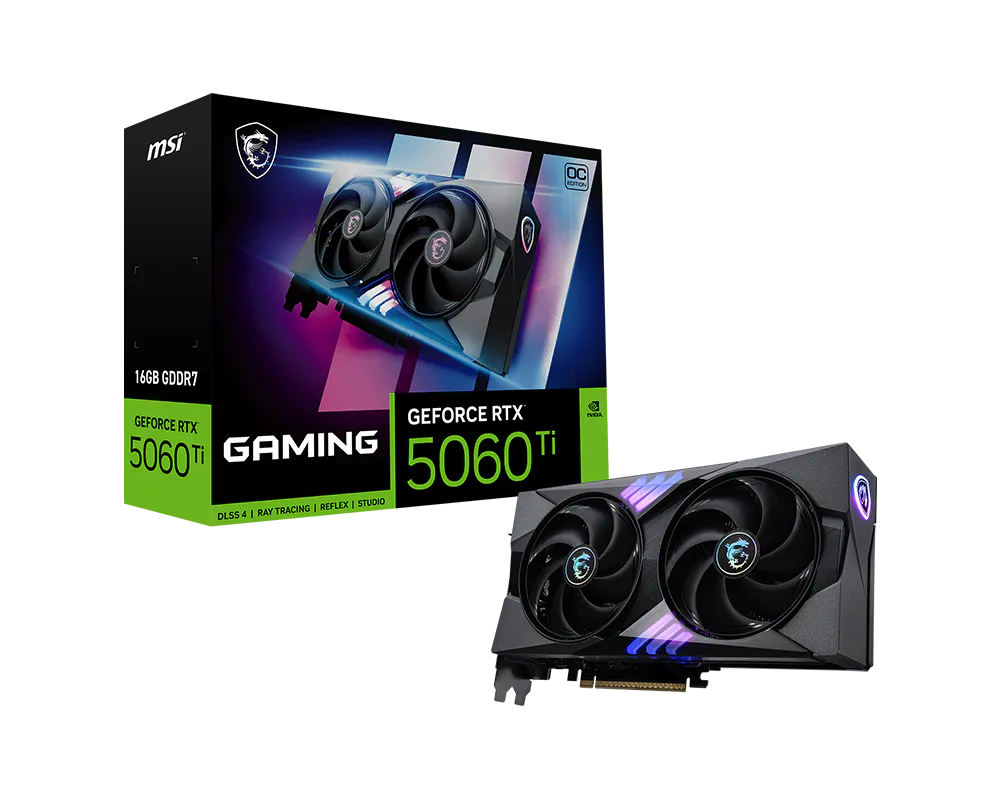
Is the RTX 5060 Ti good for 1440p gaming
RTX 5070 vs RTX 4070: Should you upgrade?
RTX 4070 Ti SUPER vs RTX 5070: Which offers better value?
RTX 5070 ti vs RTX 5070: Worth the Extra Money?
RTX 5060 ti vs RX 9060 XT: Is NVIDIA worth paying $100 more?
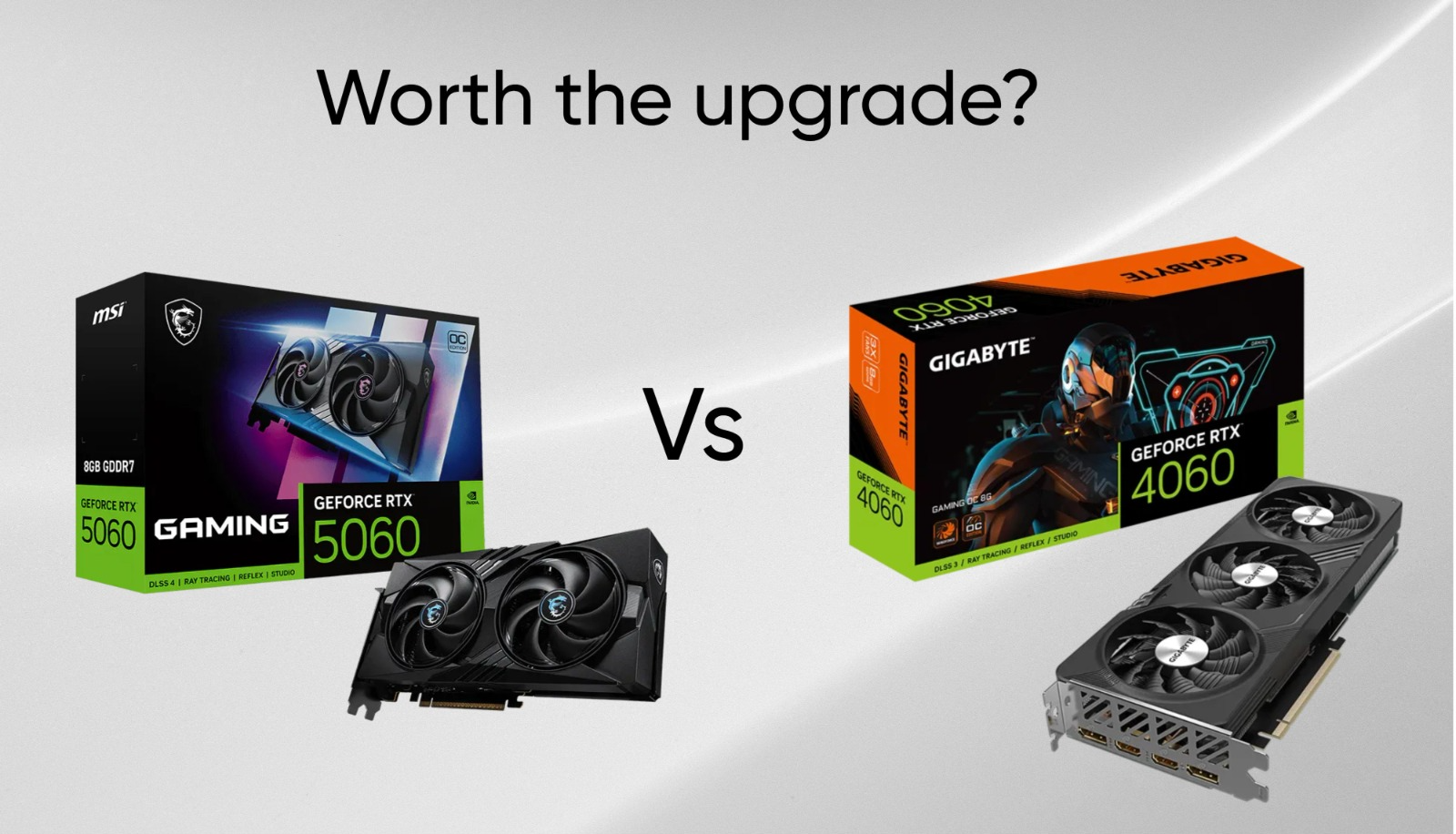
RTX 5060 vs RTX 4060: Is it worth the upgrade?
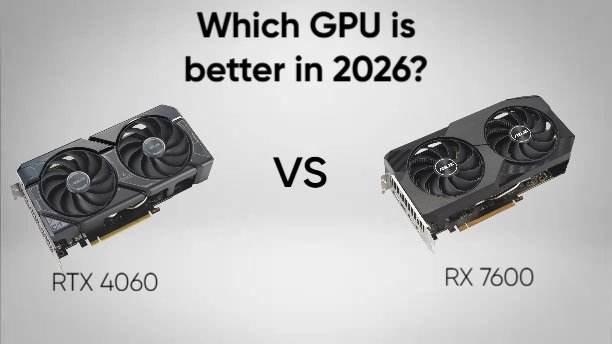
RTX 4060 vs RX 7600: Which is the better buy in 2026?
RX 9070 XT Review: Is it really future proof?
Best 1440p GPUs for Gaming in 2026
RTX 5070 review: The best 1440p GPU in 2026?
RX 9070 review: Is it REALLY worth your money?
Samsung 990 Pro SSD review (2026)
RTX 5060 vs RX 9060 XT: Which is the best 1080p GPU
Intel Arc B580 vs RTX 5060: Don’t buy until you read this

Leave a Reply