
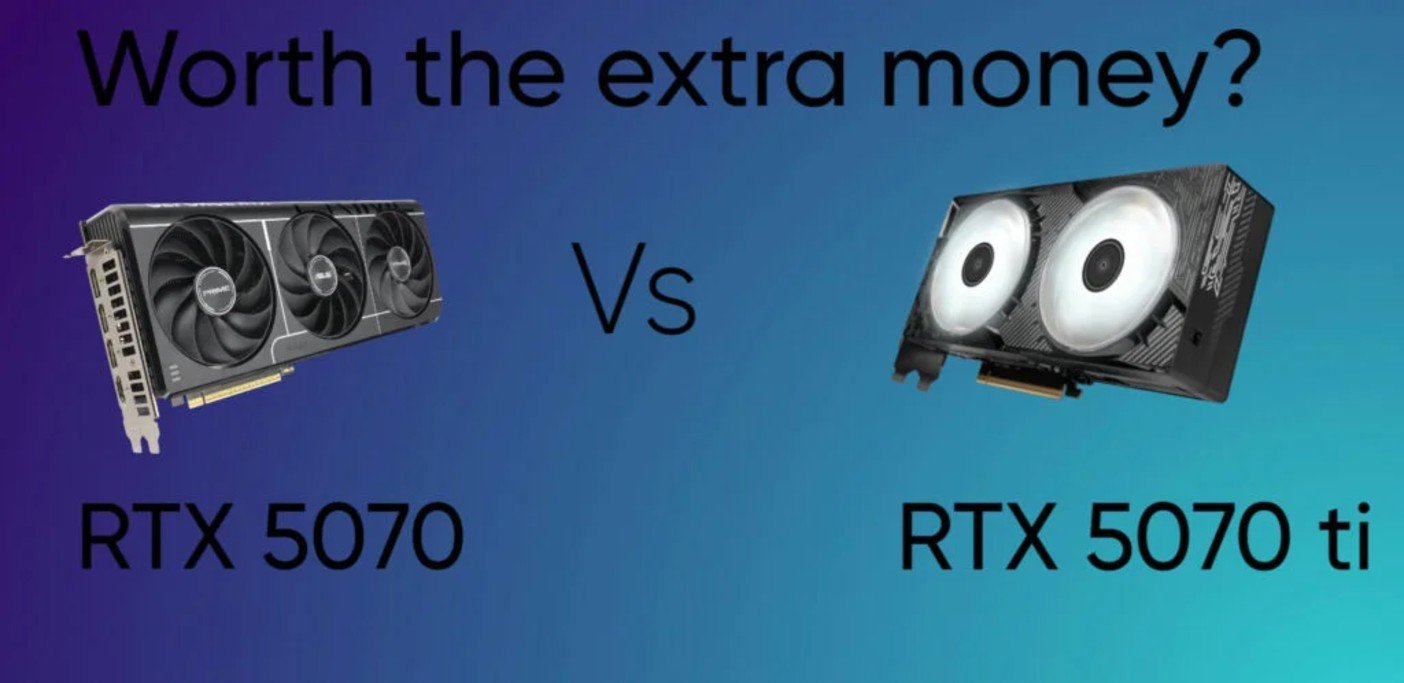
The RTX 5070 Ti is one of the few “Ti” models that feels like more than a small refresh. It’s roughly 20–30% faster than the RTX 5070 in modern games, comes with 16GB of GDDR7 instead of 12GB, upgrades the memory bus from 192-bit to 256-bit, and packs nearly 3,000 more CUDA cores. Those are substantial hardware upgrades, and they show up in real games.
That doesn’t automatically make it the better buy.
At 1440p, the RTX 5070 already delivers the kind of performance most people are looking for. Spending another $150–200 for an extra 20–30% isn’t something I’d recommend to everyone, especially when both cards support the same DLSS 4 features and handle today’s games extremely well.
The Ti starts making a lot more sense once 4K enters the picture. The higher frame rates are nice, but the bigger advantage is the extra 4GB of VRAM. Games like Alan Wake 2, Indiana Jones and the Great Circle, and heavily modded Cyberpunk 2077 can already push beyond 12GB under the right settings. That doesn’t suddenly make the RTX 5070 obsolete, but it does give the Ti considerably more breathing room if you plan to keep your next graphics card for the next four or five years.
The RTX 5070 Ti is faster, more powerful, and comes with 16GB of VRAM, but it also costs considerably more. Is it actually worth the extra money? Let’s find out.
RTX 5070 ti vs RTX 5070: Specification Table
| Specification | RTX 5070 | RTX 5070 Ti |
|---|---|---|
| Architecture | Blackwell | Blackwell |
| GPU | GB205 | GB203 |
| CUDA Cores | 6,144 | 8,960 |
| RT Cores | 48 (4th Gen) | 70 (4th Gen) |
| Tensor Cores | 192 (5th Gen) | 280 (5th Gen) |
| Base Clock | 2.33 GHz | 2.30 GHz |
| Boost Clock | 2.51 GHz | 2.45 GHz |
| VRAM | 12GB GDDR7 | 16GB GDDR7 |
| Memory Bus | 192-bit | 256-bit |
| Memory Speed | 28 Gbps | 28 Gbps |
| Memory Bandwidth | 672 GB/s | 896 GB/s |
| L2 Cache | 48 MB | 64 MB |
| PCIe Interface | PCIe 5.0 x16 | PCIe 5.0 x16 |
| TGP (Power Draw) | 250W | 300W |
| Recommended PSU | 650W | 750W |
| Display Outputs | DisplayPort 2.1b, HDMI 2.1b | DisplayPort 2.1b, HDMI 2.1b |
| DLSS Support | DLSS 4 + Multi Frame Generation | DLSS 4 + Multi Frame Generation |
| Launch MSRP | $549 | $749 |
The specification gap between these two cards is larger than their names suggest. The RTX 5070 Ti jumps from 6,144 to 8,960 CUDA cores, increases the memory bus from 192-bit to 256-bit, and ships with 16GB of GDDR7 instead of 12GB. They’re the reason the Ti is roughly 20–30% faster in modern games.
The extra 4GB of VRAM is just as important. While 12GB is still enough for most games at 1440p, newer releases like Alan Wake 2, Indiana Jones and the Great Circle, and heavily modded games can already push past that at 4K with high texture settings. If you’re spending this much on a graphics card, having 16GB simply leaves a lot more room for future games.
Everything else is familiar. Both GPUs use NVIDIA’s Blackwell architecture, support DLSS 4, and use GDDR7 memory. The Ti isn’t offering new features that the RTX 5070 lacks—it simply gives you more hardware to work with. That’s exactly what you’d expect considering it costs around $150–200 more.
Raw Speed & Memory
The performance gap between these two cards is larger than most people expect. Across modern games, the RTX 5070 Ti is usually around 10–15% faster at 1080p, 20–25% faster at 1440p, and can stretch close to 30% at 4K, where the extra hardware has more room to make a difference. That’s a healthy jump considering both GPUs belong to the same generation.
Memory plays a big part in that lead. The RTX 5070 is equipped with 12GB of GDDR7 on a 192-bit memory bus, while the RTX 5070 Ti increases that to 16GB on a 256-bit bus. Bandwidth also climbs from 672 GB/s to 896 GB/s, giving the GPU far more data to work with when games start loading larger textures and more complex assets.
The extra 4GB of VRAM is just as valuable as the higher frame rates. At 1440p, most games still fit comfortably inside 12GB, so the RTX 5070 rarely feels held back. 4K is a different story. Games like Alan Wake 2, Indiana Jones and the Great Circle, and heavily modded titles can already push beyond 12GB with ultra textures or heavy ray tracing enabled. In those situations, the RTX 5070 Ti has the breathing room that the standard RTX 5070 simply doesn’t.
For today’s games, the RTX 5070 already delivers excellent performance. The Ti isn’t about fixing a slow graphics card—it’s about pushing higher frame rates now while giving yourself more headroom for the games you’ll be playing a few years from now.
Ray Tracing Performance
The gap between these two cards becomes much more noticeable once ray tracing is enabled. In traditional gaming, the RTX 5070 Ti is around 20–25% faster, but with ray tracing turned on that lead grows to roughly 27% at 1440p and can approach 34% at 4K. Games like Cyberpunk 2077, Alan Wake 2, and other path-traced titles benefit the most, where the extra horsepower keeps frame rates much more consistent.
A big reason is simply the amount of hardware NVIDIA packed into the Ti. It comes with 70 fourth-generation RT cores and 280 fifth-generation Tensor cores, compared to 48 RT cores and 192 Tensor cores on the RTX 5070. That’s roughly 45% more dedicated ray tracing and AI hardware, giving the GPU far more resources to handle complex lighting, reflections, shadows, and DLSS frame generation simultaneously.
The extra 4GB of VRAM also becomes far more valuable once ray tracing enters the picture. Ray-traced effects consume considerably more video memory, especially at 4K with ultra textures enabled. While the RTX 5070 can still deliver a good experience, its 12GB framebuffer reaches its limits much sooner. The 16GB available on the RTX 5070 Ti gives it more room to handle demanding scenes without running into the memory pressure that can lead to stuttering or inconsistent frame times.
Both cards support the full DLSS 4 feature set, including Multi Frame Generation, so you’re getting the same software features regardless of which model you buy. The difference is that the RTX 5070 Ti has considerably more hardware behind those features. That extra horsepower means it spends less time relying on aggressive upscaling to stay smooth, especially in the most demanding ray-traced games.
Content Creation & Streaming
The RTX 5070 Ti isn’t just a better gaming card—it also has a clear advantage in creative workloads. Applications like Blender, OctaneRender, Redshift, and Unreal Engine benefit from the Ti’s extra CUDA cores, with render times typically finishing 20–25% faster than on the RTX 5070. If you spend hours rendering animations or complex 3D scenes, those minutes quickly add up.
The extra 4GB of VRAM matters here too. Large Blender projects, high-resolution texture packs, and complex scenes can easily exceed 12GB of GPU memory. When that happens, the RTX 5070 has to spill data into system memory, which can slow renders dramatically. The RTX 5070 Ti’s 16GB gives you considerably more room before running into that bottleneck.
The same pattern shows up in video editing and AI workloads. Programs like DaVinci Resolve and Adobe Premiere Pro benefit from the Ti’s wider 256-bit memory bus and higher bandwidth, making heavy 4K or 8K timelines feel smoother and reducing export times. If you’re generating images with Stable Diffusion, running FLUX, or experimenting with local LLMs, the additional VRAM is just as valuable as the extra compute power because it lets you work with larger models without immediately running into memory limits.
Streaming is the one area where the gap almost disappears. Both cards use NVIDIA’s latest dual 9th-generation NVENC encoders, so video quality, AV1 support, and CPU usage are essentially identical. The RTX 5070 Ti only pulls ahead if you’re gaming, streaming, recording, and running tools like NVIDIA Broadcast at the same time, where the extra GPU horsepower leaves more headroom for everything else.
Power Efficiency & PSU Requirements
The RTX 5070 Ti draws 50W more power under full load than the RTX 5070 (300W vs. 250W). Since the performance increase is almost proportional to the increase in power consumption, both cards end up delivering very similar performance per watt. Neither has a clear efficiency advantage.
The RTX 5070 is still the easier card to live with. Its lower power draw means less heat and quieter cooling, making it a better fit for compact cases or systems with more modest airflow. The RTX 5070 Ti isn’t difficult to cool, but it does benefit from a case with good ventilation, especially during long gaming or rendering sessions.
Power supply requirements are straightforward. NVIDIA recommends a 650W PSU for the RTX 5070 and a 750W PSU for the RTX 5070 Ti. If you’re pairing either card with a high-end CPU like a Ryzen 9 or Core i9, stepping up to a 750W PSU for the RTX 5070 or an 850W PSU for the RTX 5070 Ti provides additional headroom.
Both graphics cards use NVIDIA’s updated 12V-2×6 power connector. If you have an ATX 3.0 or ATX 3.1 power supply, you can use a single native 16-pin cable. Older power supplies can still be used with the included dual 8-pin adapter.
Pricing
The RTX 5070 launched with a $549 MSRP, but most models currently sell for around $700–800. While that’s still above the launch price, it’s generally consistent across different retailers and AIB models.
The RTX 5070 Ti is a different story. Although it launched at a $749 MSRP, current street prices vary much more widely. Depending on the model and availability, it’s common to see prices anywhere from $950 to $1,200.
Check current RTX 5070 prices on Amazon
Check current RTX 5070 ti prices on Amazon
1440p Gaming
The RTX 5070 is already an excellent 1440p graphics card, but the RTX 5070 Ti pushes performance another 20–22% higher. To put that into perspective, if the RTX 5070 averages 100 FPS in a game, the RTX 5070 Ti will typically deliver around 120–122 FPS under the same settings. That isn’t a night-and-day difference, but it’s enough to make better use of 165Hz and 240Hz monitors while leaving more headroom for future games.
The biggest difference, however, isn’t the frame rate—it’s the memory. The RTX 5070 comes with 12GB of GDDR7 on a 192-bit memory bus, while the RTX 5070 Ti upgrades to 16GB on a wider 256-bit bus. Today, 12GB is still enough for almost every game at 1440p, so the extra VRAM doesn’t provide a major advantage in most current titles. Both cards handle modern AAA games comfortably at this resolution.
The long-term picture is where the Ti starts to pull ahead. Recent games are shipping with larger texture packs, more detailed assets, and heavier ray tracing, all of which continue to increase VRAM usage. While the RTX 5070 will remain a capable 1440p card for years to come, its 12GB framebuffer is far more likely to become a limiting factor as future games grow more demanding. The RTX 5070 Ti’s 16GB gives it considerably more headroom, making it less likely that you’ll need to lower texture quality or rely more heavily on upscaling just to stay within the available memory.
If you’re building a 1440p gaming PC today, the RTX 5070 already delivers the performance most gamers need. The RTX 5070 Ti just gives you more room to grow. Its higher frame rates are certainly welcome, but the additional 4GB of VRAM is what makes it the more compelling long-term investment, especially if you plan to keep your graphics card for four or five years.
| Game | RTX 5070 | RTX 5070 Ti |
|---|---|---|
| Cyberpunk 2077 (Ultra) | 94 FPS | 114 FPS |
| Black Myth: Wukong (Very High) | 68 FPS | 83 FPS |
| Alan Wake 2 (High) | 63 FPS | 77 FPS |
| Hogwarts Legacy (Ultra) | 98 FPS | 120 FPS |
| Starfield (Ultra) | 86 FPS | 104 FPS |
| Assassin’s Creed Shadows (Ultra) | 79 FPS | 96 FPS |
| S.T.A.L.K.E.R. 2 (Epic) | 71 FPS | 86 FPS |
| Red Dead Redemption 2 (Ultra) | 118 FPS | 143 FPS |
| Horizon Forbidden West (Very High) | 126 FPS | 152 FPS |
| Forza Horizon 5 (Extreme) | 168 FPS | 202 FPS |
Estimated average FPS at native 1440p using the highest in-game graphics settings with DLSS, ray tracing, and Frame Generation disabled. Actual performance may vary depending on your system configuration, drivers, and game version.
Also read: Best 1440p GPUs for gaming
4K Gaming
Neither of these cards was designed to be a no-compromise 4K GPU, but both are capable of delivering an excellent experience when paired with DLSS. At native 4K using the highest settings, however, the RTX 5070 Ti begins to justify its higher price.
Across a wide range of modern games, the RTX 5070 Ti is typically 20–30% faster than the RTX 5070 at 4K. That extra performance is often the difference between sitting in the mid-40s and comfortably reaching the mid-to-high 50s or beyond, making demanding games feel noticeably smoother even before enabling DLSS.
The higher resolution also makes the Ti’s hardware advantages more apparent. Its 16GB of GDDR7, wider 256-bit memory bus, and 896 GB/s of memory bandwidth give it considerably more room to handle high-resolution textures and demanding graphics workloads. The RTX 5070’s 12GB is still usable for 4K gaming, but newer AAA titles with ultra textures or heavy ray tracing are much more likely to push it to its limits.
Ray tracing widens the gap even further. Both cards support DLSS 4 and Multi Frame Generation, but the RTX 5070 Ti’s additional RT cores, Tensor cores, and CUDA cores allow it to maintain higher frame rates before relying on upscaling. If you’re planning to play the latest AAA games at 4K with ray tracing enabled, the Ti offers a noticeably more comfortable experience.
For 1440p, the RTX 5070 is already more than enough for most gamers. At 4K, however, the RTX 5070 Ti’s extra performance and 16GB of VRAM make it the stronger long-term choice, particularly if you intend to keep your graphics card for several years.
RTX 5070 Ti vs RTX 5070: So Which Should You Buy?
Buy the RTX 5070 if
Your primary focus is 1440p gaming and you want the best value for your money. The RTX 5070 is already fast enough to handle virtually every modern AAA game at high or ultra settings, supports the full DLSS 4 feature set, and costs considerably less than the Ti. If you don’t plan on moving to 4K anytime soon or upgrading to a high-end content creation workflow, the RTX 5070 is the smarter purchase.
Buy the RTX 5070 Ti if
You want a graphics card that’s built to last. The RTX 5070 Ti isn’t just a slightly faster RTX 5070—it’s a genuine step up in hardware. It delivers around 20–30% higher gaming performance, comes with 16GB of GDDR7 instead of 12GB, a wider 256-bit memory bus, and significantly more CUDA, RT, and Tensor cores. Those upgrades translate into better 4K performance, stronger ray tracing, and much more headroom for content creation and AI workloads.
Is the Extra Money Worth It?
If you have the budget, yes.
Unlike many previous “Ti” models, the RTX 5070 Ti feels like a true upgrade rather than a minor one.The additional performance is immediately noticeable, but the biggest advantage is the move from 12GB to 16GB of VRAM. While 12GB is still perfectly adequate for today’s 1440p games, modern AAA titles continue to push VRAM usage higher, especially with ray tracing and ultra-quality textures. That extra memory gives the RTX 5070 Ti much more room to handle future games without forcing you to lower settings.
If the extra $200–400 isn’t a concern, the RTX 5070 Ti is the graphics card I’d buy. Its higher performance, 16GB of VRAM, and stronger long-term potential make it the more complete GPU and one that’s far more likely to stay relevant over the next four to five years.
Check current RTX 5070 prices on Amazon
Check current RTX 5070 ti prices on Amazon
Frequently Asked Questions (FAQ)
Is the RTX 5070 Ti worth it over the RTX 5070?
Yes, if you can comfortably afford the extra cost. The RTX 5070 Ti is around 20–30% faster, comes with 16GB of GDDR7 VRAM, and offers much better 4K and ray tracing performance. For most 1440p gamers, however, the RTX 5070 still provides excellent value.
Is 12GB of VRAM enough in 2026?
For 1080p and 1440p gaming, yes. Most modern games run comfortably within 12GB using high or ultra settings. At 4K, especially with ray tracing and ultra-quality textures, some newer titles can exceed 12GB, giving the RTX 5070 Ti’s 16GB a clear advantage.
How much faster is the RTX 5070 Ti than the RTX 5070?
On average, the RTX 5070 Ti is around 20–30% faster in rasterized gaming. The gap grows in demanding ray-traced games and at 4K, where its additional VRAM and wider memory bus become more important.
Is the RTX 5070 good for 4K gaming?
Yes, but with realistic expectations. It can deliver a great 4K experience in many games, especially when using DLSS, but the RTX 5070 Ti is the better choice for consistently higher frame rates and more demanding AAA titles.
Is the RTX 5070 Ti future-proof?
No graphics card is completely future-proof, but the RTX 5070 Ti is better positioned for the future than the RTX 5070. Its 16GB of VRAM, wider memory bus, and higher performance give it more headroom for upcoming games and increasingly demanding workloads.
Do both GPUs support DLSS 4?
Yes. Both the RTX 5070 and RTX 5070 Ti support DLSS 4, including Multi Frame Generation, Super Resolution, and the latest AI-powered rendering features.
Which GPU is better for content creation?
The RTX 5070 Ti is the stronger option for Blender, Unreal Engine, DaVinci Resolve, Stable Diffusion, and other GPU-intensive applications. Its additional CUDA cores and 16GB of VRAM make it better suited for demanding creative workloads.
Also read
RTX 5060 Review: Is 8gb VRAM enough in 2026
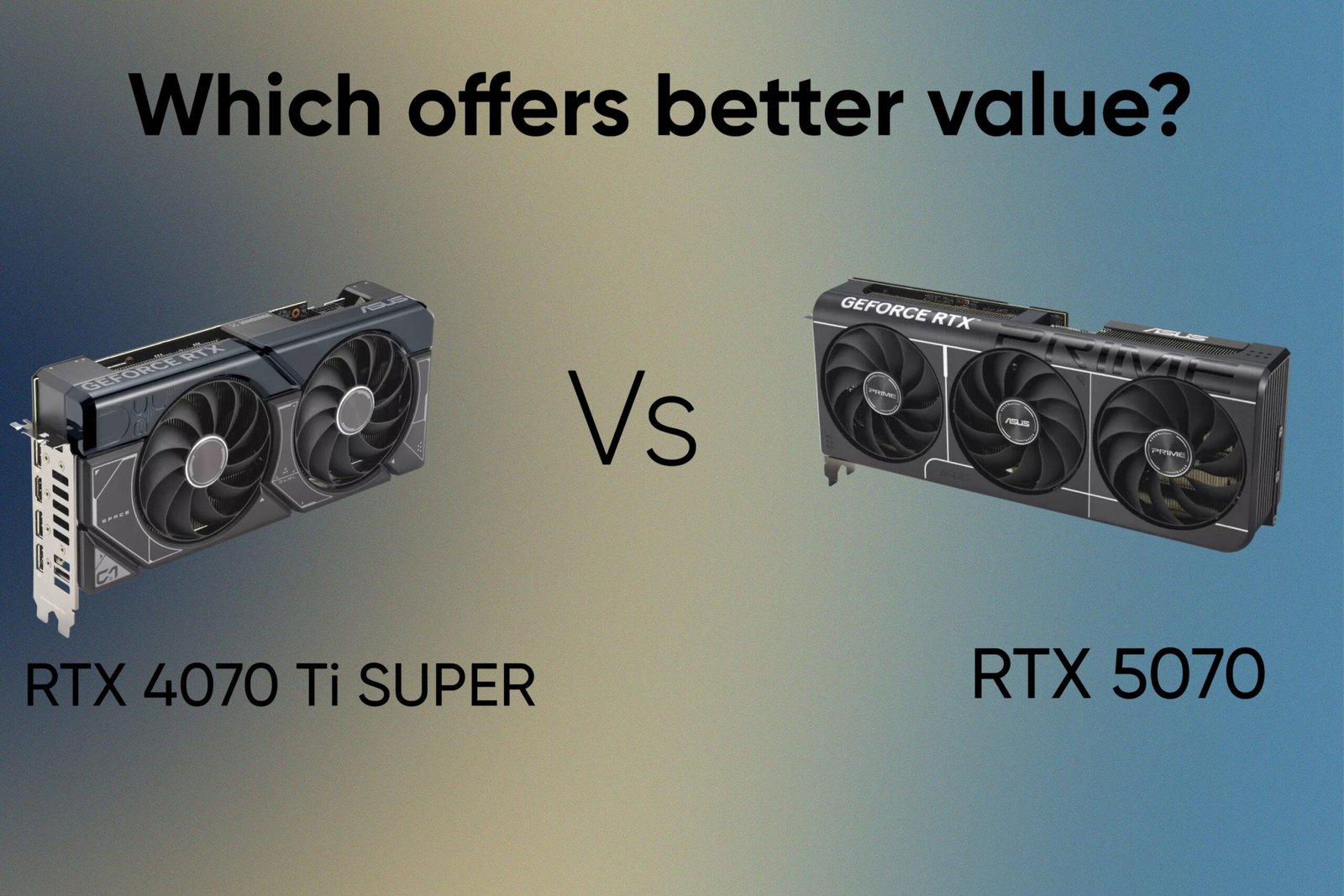
RTX 4070 Ti SUPER vs RTX 5070: Which offers better value?
RTX 5060 vs RTX 4060: Is it worth the upgrade?
RTX 4060 vs RX 7600: Which is the better buy in 2026?
Intel Arc B580 vs RTX 5060: Don’t buy until you read this
Is the RTX 5060 Ti good for 1440p gaming
RX 9060 XT Review: The Best GPU for 1080p Gaming Right Now?
Best GPUs for 1080p gaming in 2026
RX 9070 XT Review: Is it really future proof?
Is RTX 4060 it still worth buying in 2026?
RX 9070 review: Is it REALLY worth your money?
Best 1440p GPUs for Gaming in 2026
RTX 5070 review: The best 1440p GPU in 2026?
RX 7600 Review: Is it still worth buying in 2026
RTX 5060 vs RX 9060 XT: Which is the best 1080p GPU
RTX 4070 review: Is it worth buying in 2026?
Samsung 990 Pro SSD review 2026
Logitech Superlight G Pro X Review
RTX 5060 ti vs RX 9060 XT: Is NVIDIA worth paying $100 more?
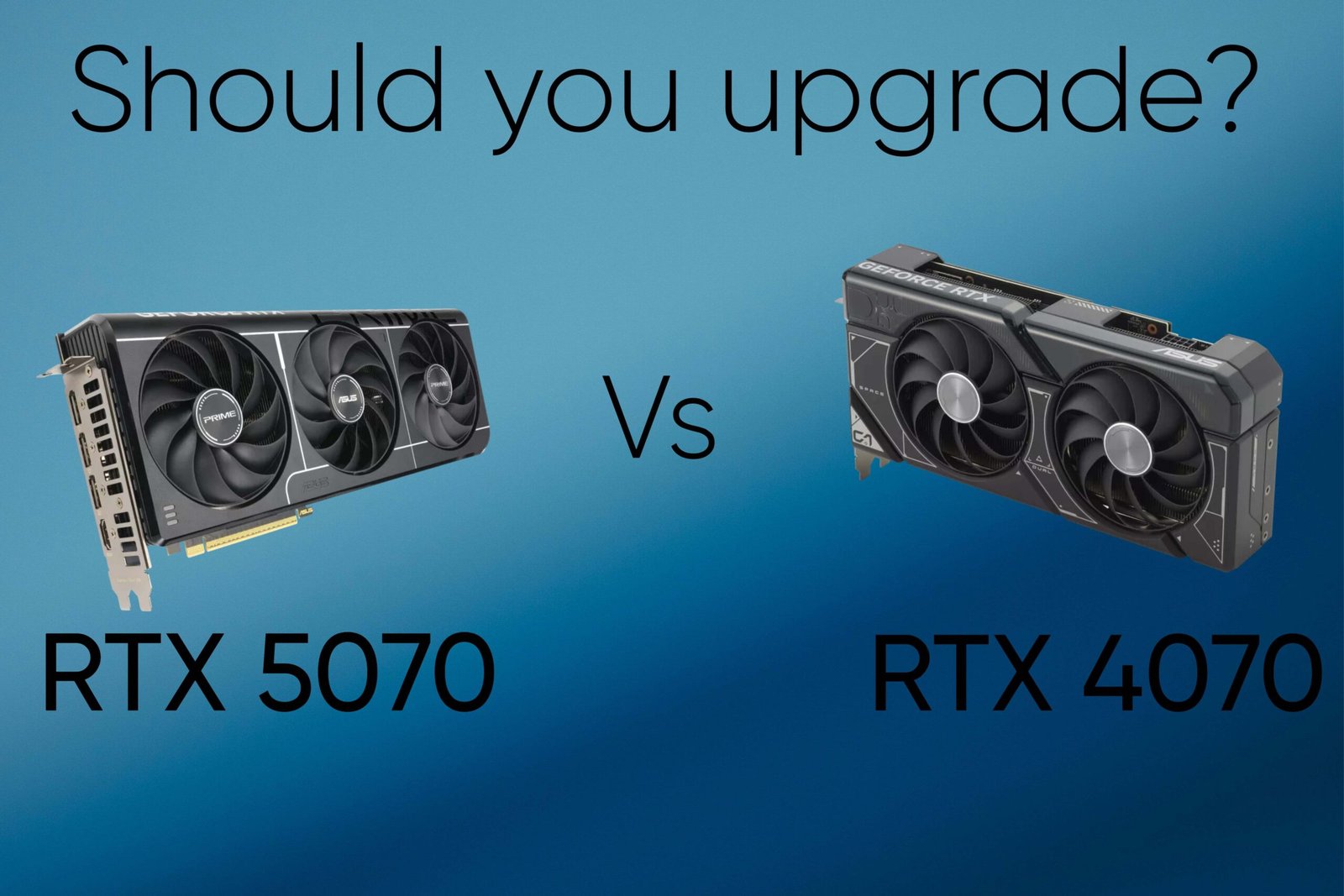
RTX 5070 vs RTX 4070: Should you upgrade?
As an Amazon Associate I earn from qualifying purchases

Leave a Reply