
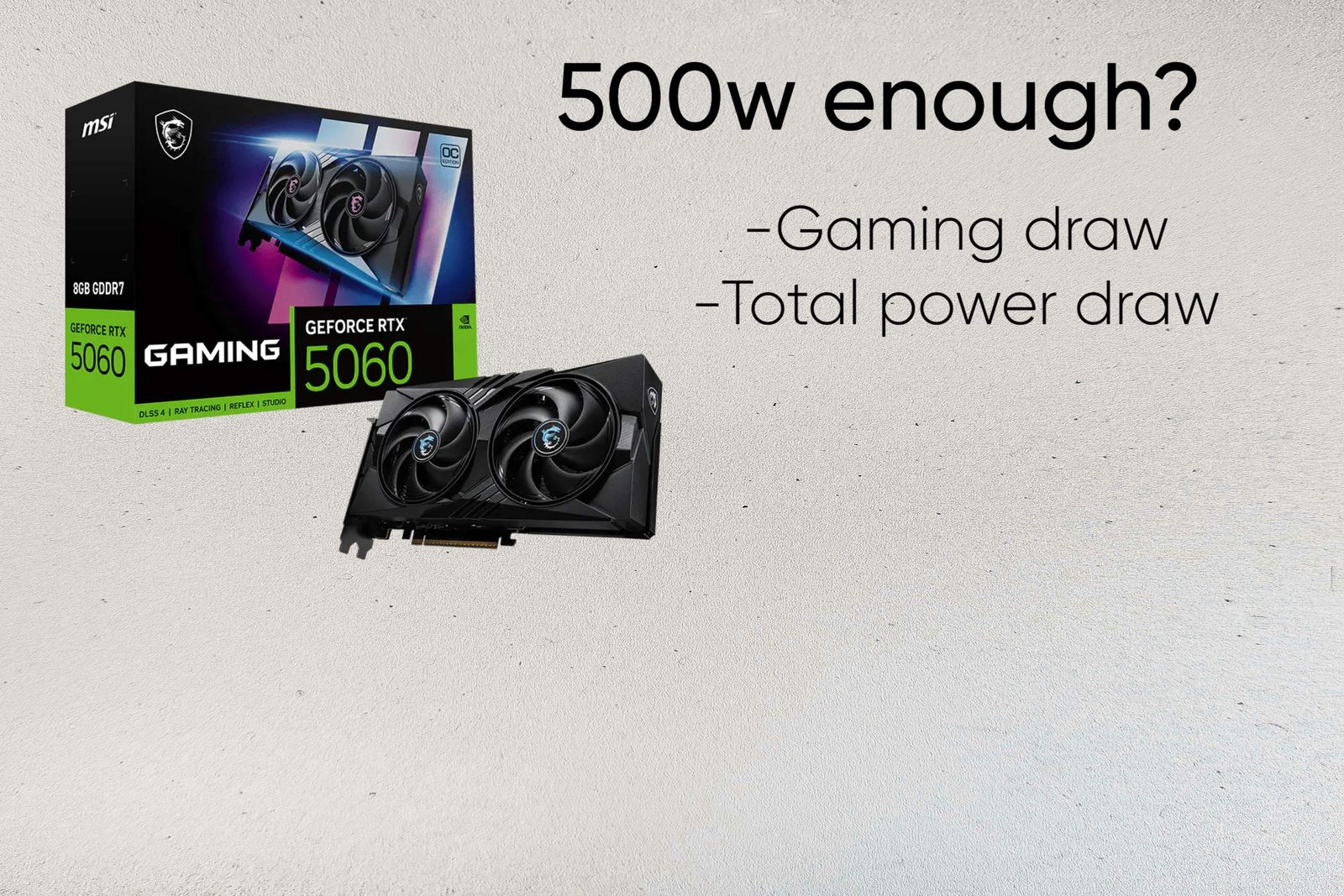
What PSU does the RTX 5060 need?
So what really is the RTX 5060 power supply requirements? NVIDIA recommends a 550W PSU for the RTX 5060, and that’s already plenty for a normal gaming build. The card has a 145W TGP, so something like a Ryzen 5 7600 or Core i5-14400 alongside it isn’t putting much pressure on the power supply.
For a new build, 550W–600W is where I’d look. A decent 550W unit gives you enough room without wasting money on capacity you’ll never use. You could also run the card from a quality 500W PSU in a modest system, but I’d only do that when the unit itself is known to be reliable.
A 650W PSU is more of a “might as well have it” choice. It’s useful if you’re pairing the 5060 with a higher-power CPU, doing heavier CPU+GPU work, overclocking, or thinking about moving to a more powerful GPU later. If that sounds like your system, the extra capacity can save you from replacing the PSU down the road.
The 5060 is also easier to wire than NVIDIA’s higher-end cards. Most models use a standard 8-pin PCIe connector, so a conventional ATX PSU can power the card directly without the 16-pin cable used on cards such as the RTX 5070.
RTX 5060 POWER CONSUMPTION
The 145W TGP is probably the least exciting thing about the RTX 5060, but it’s also the reason the card is so easy to build around. Even in a demanding game, you’re not dealing with the kind of power draw you see from cards like the RTX 5070 and above.
In a heavy 1080p or 1440p game, the GPU can get up around 120–140W, and it’ll hit the 145W limit when you’re really pushing it. A factory-overclocked card might go a little higher, usually around 155W, but that’s not a huge difference.
Idle use is barely worth worrying about. With one monitor, the card can sit around 8–12W on the desktop, while things like 4K video playback and AV1 decoding are usually somewhere in the 15–25W range.
The low power draw shows up pretty clearly in the rest of the build too. You’re not going to need some oversized cooling setup or a massive PSU just to keep the 5060 happy. Even a system using a Ryzen 5 7600 or Core i5-14400 leaves a comfortable amount of room on a 550W supply.
There can still be brief spikes above the normal gaming figure, but they’re relatively small on a card with a 145W rating. Power isn’t really the RTX 5060’s problem — the more interesting question is what you’re pairing it with.
Is 550W Enough for an RTX 5060 Build?
Yes, 550W is plenty for the RTX 5060. The card is rated at just 145W, so a normal system isn’t going to put much stress on a 550W unit.
Pair it with something like a Ryzen 5 7600, Ryzen 5 9600X or Core i5-14400 and there’s still a lot of room left over. You’d only start getting close to the limit with a particularly power-hungry CPU or unusual setup.
That’s also why I wouldn’t replace an existing good 550W PSU just because you’re buying a 5060. A reliable older unit with the proper PCIe cable can be perfectly fine for the job. I’d care more about which PSU brand it is than whether the label says 550W or 650W.
For a new build, 550W is the sensible baseline. I’d move to 650W mainly if you’re expecting a future upgrade to something much more demanding, such as an RTX 5070, or you’re building around a high-power CPU and want more room.
So this is one of those cases where there’s little point paying for wattage you aren’t going to use. A solid 550W unit is enough for the vast majority of RTX 5060 systems.
DO YOU NEED 650W?
Not really, A quality 550W PSU is already enough for the card, and moving to 650W won’t give you any extra gaming performance.
I’d consider 650W when you’re building with an upgrade in mind. For example, if you think you’ll move from the RTX 5060 to something like an RTX 5070 later, buying the larger PSU now saves you from replacing it when the GPU gets upgraded.
A stronger CPU can also change things. An i7-14700K alongside the 5060 uses considerably more power than a Ryzen 5 7600, so 650W gives you a bit more room. The same goes for aggressive overclocking or a system with lots of extra hardware.
For a straightforward 5060 gaming PC, though, I’d spend the money on the components you’ll actually notice rather than buying a larger PSU just for the number on the box.
Can a 500w PSU do the job?
Yes, a good 500W PSU can handle an RTX 5060, especially in a normal mid-range gaming PC. The card has a 145W TGP, so even when it’s being pushed hard, the GPU itself isn’t demanding a huge amount of power.
A setup with a Ryzen 5 7600, Ryzen 5 9600X or Core i5-14400 is a good example. Those CPUs aren’t particularly power-hungry in gaming, and the rest of the system — motherboard, RAM, SSDs and fans — doesn’t add a huge amount either. You’re still left with a reasonable amount of headroom on a 500W unit.
That’s why I’d be comfortable reusing a known-good 500W PSU with the 5060 rather than replacing it unnecessarily. Say you already have something like a Corsair CX550 or Seasonic Core series unit — assuming the specific model is in good condition and has the required PCIe power connection, there’s little reason to throw it away just because the PSU is “only” 500W.
Where I’d be more cautious is with an older or unknown PSU. A 500W label doesn’t tell you whether the unit has good voltage regulation, adequate protections or enough capacity on the 12V rail. That’s especially worth checking if the PSU has been running for many years.
I also wouldn’t use 500W as my first choice for a brand-new build. The RTX 5060 is easy enough to run that 550W or 600W gives you a little more room for very little extra capacity, and 650W becomes useful if you already have a future upgrade in mind.
Why PSU Quality Matters
A 500W PSU isn’t automatically a good 500W PSU.
Take something like the Corsair CX550. A unit in that class has a very different level of engineering behind it from a generic “500W” power supply with no meaningful reputation or testing behind it. Both might claim the same output on the label, but that doesn’t mean they’ll behave the same once the system is under load.
The 5060 itself is only a 145W card, so you aren’t asking a huge amount from the PSU. The problem is when the GPU and CPU suddenly change their power draw. A good quality PSU can deal with those changes without the PC randomly going black or shutting down.
Good voltage regulation matters for the same reason. Your CPU and GPU don’t need perfectly flat voltage, but they do need the PSU output to stay within reasonable limits and keep ripple under control. That’s one of those things you won’t notice when everything is working properly — you’ll mostly notice it when you’re using a bad unit.
80 PLUS Gold isn’t a magic quality stamp either. It mainly tells you about efficiency. A Gold-rated PSU can still be a mediocre design, while a well-made Bronze unit can be perfectly reliable. I’d rather buy a properly reviewed Corsair, Seasonic, be quiet!, Super Flower or FSP unit than pick an unknown 650W model just because it has “Gold” printed on it.
RTX 5060 Power Connector
The RTX 5060 is pretty straightforward to power compared with the bigger RTX 50-series cards. Most models use a single 8-pin PCIe connector, which means you can use a regular PSU without needing a 16-pin cable or an ATX 3.0/3.1 unit.
A standard 6+2-pin PCIe cable is all you need for those cards. The connector can supply up to 150W, with another 75W available through the motherboard slot, so there’s plenty of power available for a 145W RTX 5060.
There are a few exceptions, though. Some partner cards use a 16-pin 12V-2×6 connector, particularly certain higher-end or factory-overclocked models. In that case, the cable you use depends on the PSU. A modern ATX 3.0/3.1 PSU can use its native 16-pin cable, while an older PSU will generally need the adapter supplied with the card.
Whichever connector your card uses, make sure it’s fully seated before powering the PC. For a 16-pin connection, avoid bending the cable sharply right where it enters the GPU. And if you’re using an adapter that takes two 8-pin PCIe plugs, I’d use two separate PCIe cables from the PSU rather than a single daisy-chained cable.
For the usual RTX 5060 with an 8-pin socket, though, this is about as simple as GPU power gets: one PCIe cable, plug it in properly, and you’re done.
So which PSU for the RTX 5060 ?
For the RTX 5060, 550W is the sweet spot. It matches NVIDIA‘s recommendation and gives a typical Ryzen 5/Core i5 system plenty of room without buying more PSU than you need.
A good 500W unit can also handle the card, so there’s no reason to replace an existing quality PSU just because it’s below 550W. Move to 650W when you’re planning a future GPU upgrade, using a high-power CPU, or simply want extra capacity for a new build.
The wattage is only part of the choice, though. A reliable Corsair, Msi or even Cooler master unit is a much better bet than an unknown 650W PSU. For most RTX 5060 gaming PCs, a quality 550W PSU is all you need
Check MSI Mag 550w PSU current price on Amazon Check Corsair Cx550 550w current price on Amazon
Also read
RTX 5060 Review: Is 8gb VRAM enough in 2026
RTX 5060 vs RTX 4060: Is it worth the upgrade?
RTX 4060 vs RX 7600: Which is the better buy in 2026?
Intel Arc B580 vs RTX 5060: Don’t buy until you read this
Is the RTX 5060 Ti good for 1440p gaming
RX 9060 XT Review: The Best GPU for 1080p Gaming Right Now?
Best GPUs for 1080p gaming in 2026
RX 9070 XT Review: Is it really future proof?
Is RTX 4060 it still worth buying in 2026?
RX 9070 review: Is it REALLY worth your money?
Best 1440p GPUs for Gaming in 2026
RTX 5070 review: The best 1440p GPU in 2026?
RX 7600 Review: Is it still worth buying in 2026
RTX 5060 vs RX 9060 XT: Which is the best 1080p GPU
RTX 4070 review: Is it worth buying in 2026?
Samsung 990 Pro SSD review 2026
Logitech Superlight G Pro X Review
RTX 5060 ti vs RX 9060 XT: Is NVIDIA worth paying $100 more?
RTX 5070 vs RTX 4070: Should you upgrade?
RTX 5070 ti vs RTX 5070: Worth the Extra Money?
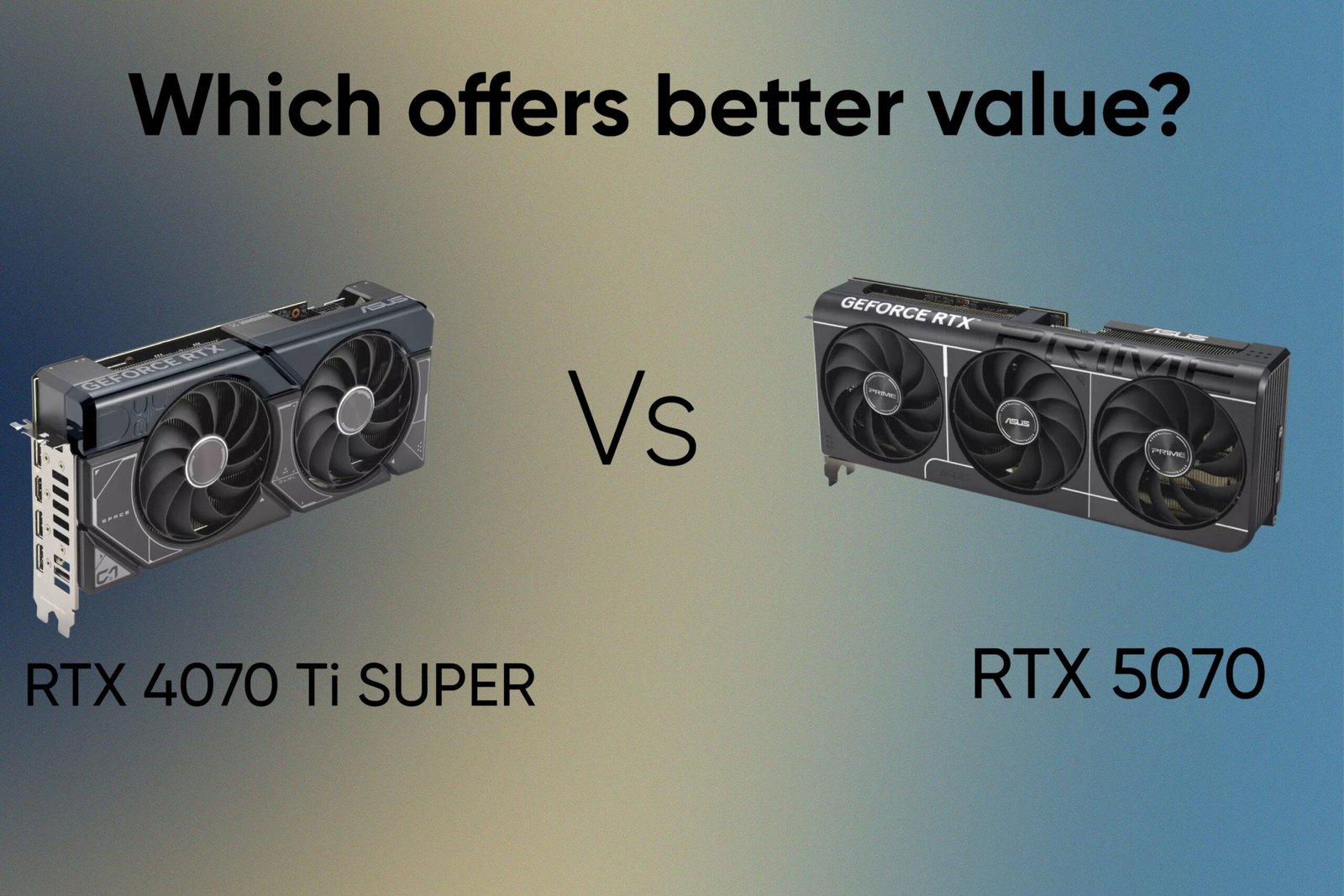
RTX 4070 Ti SUPER vs RTX 5070: Which offers better value?
As an Amazon Associate I earn from qualifying purchases


Leave a Reply