
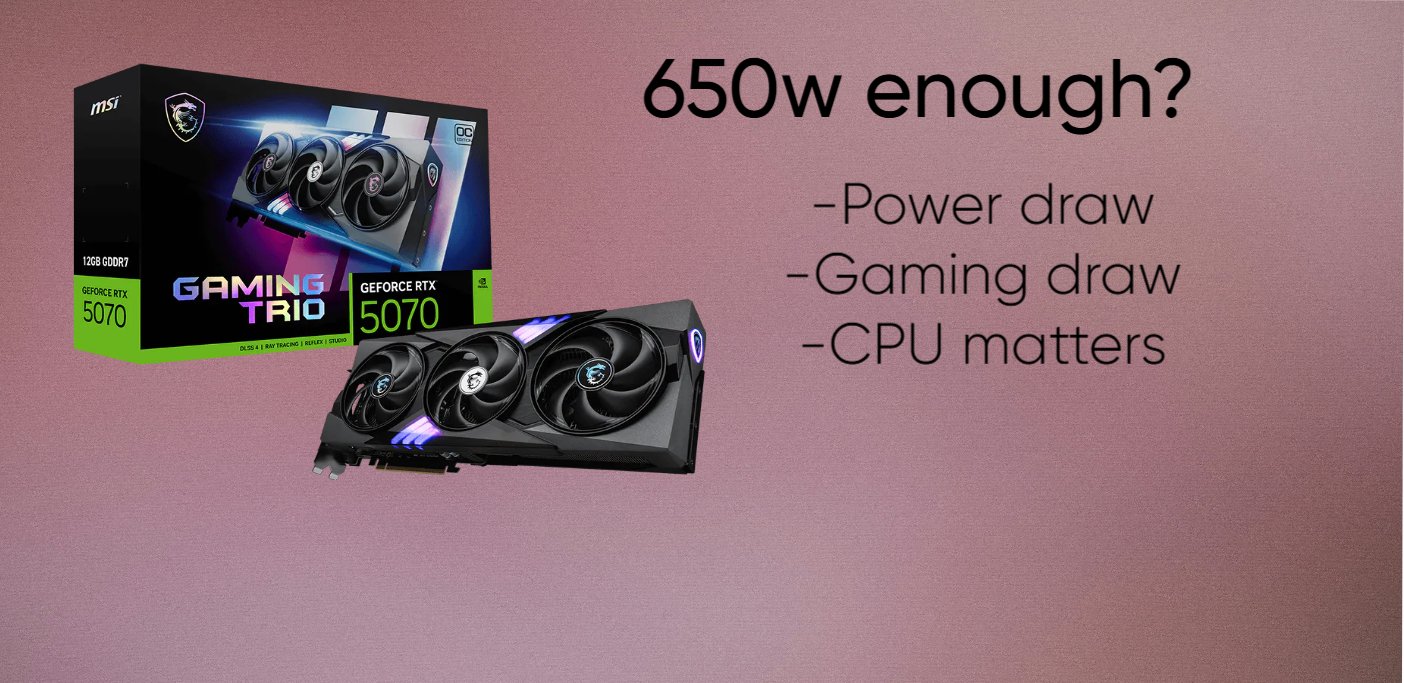
So what PSU does the RTX 5070 needs?
The RTX 5070 Power Supply Requirements really isn’t anything unusual for a modern gaming PC.The RTX 5070 is rated at 250W, and NVIDIA recommends a 650W power supply.
A 650W unit is enough for a typical RTX 5070 system, with a Ryzen 5, Ryzen 7 or Core i5-class processor. There isn’t much reason to replace a perfectly good 650W PSU just because you’re moving to the 5070.
I’d lean toward 750W for a new build. Not because the 5070 needs it, but because the price difference between a decent 650W and 750W PSU isn’t usually huge, and 750W gives you more room for the rest of the system. It also means you’re not buying right at the minimum and then having to think about the PSU again when you upgrade the CPU.
850W is where the build itself becomes the deciding factor. A 5070 with a fairly normal CPU doesn’t need it. Pair it with a high-end Ryzen 9 or Core i9, add several drives and other hardware, and 850W starts looking more reasonable. One thing I’d pay more attention to than the wattage number is the PSU itself. A good 650W unit is preferable to a cheap 850W one, especially for a GPU like this.
| Recommended PSU | Processor Tier | Example CPUs | Est. Gaming Draw | Best Usage Case |
|---|---|---|---|---|
| 650W | Entry to Mid-Range | AMD Ryzen 5 5600 / 7600 / 9600XIntel Core i5-12400 / 13400 / 14400 | 320W–380W | Standard 1440p gaming, air cooling, no overclocking |
| 750W (Sweet Spot) | Upper Mid-Range & High-End Gaming | AMD Ryzen 7 7700X / 7800X3D / 9800X3DIntel Core i5-13600K / 14600KIntel Core i7-13700K / 14700K | 380W–480W | Gaming builds with AIO cooling, RGB and extra room for transient loads |
| 850W | Extreme / Workstation | AMD Ryzen 9 7900X / 7950X / 9950XIntel Core i9-13900K / 14900KIntel Core Ultra 9 285K | 500W–620W+ | Heavy CPU+GPU workloads, rendering, custom loops and maximum headroom |
For a new RTX 5070 build, I’d go with 750W. 650W is completely usable when the rest of the PC isn’t particularly power-hungry, so there isn’t much point replacing a good 650W PSU just to hit 750W. But when you’re buying a PSU from scratch, 750W is a nicer place to be. The extra capacity costs relatively little in many cases and gives you more flexibility later.
I’d only move up to 850W when the rest of the build calls for it. A high-end Ryzen 9 or Core i9, a lot of additional hardware, or plans for a more powerful GPU later are good reasons. For a normal RTX 5070 gaming PC, 850W is simply more PSU than you need.
Check RTX 5070 prices on Amazon
Also read our standalone RTX 5070 review
RTX 5070 Power Consumption
The RTX 5070 is a 250W card. That’s its rated TGP, and in most games you’ll see it sitting somewhere below that rather than pulling a flat 250W the entire time.
In heavier games, around 210–240W from the GPU is a pretty normal place to be. Some factory-overclocked cards can go a little higher, with certain models reaching the 270W–280W range under a heavy load.
The GPU isn’t where most of the confusion around PSU sizing comes from. A 250W graphics card can fit quite comfortably into a 650W system, but once you start pairing it with something like a high-end Ryzen 9 or Core i9, total system consumption starts looking very different.
For example, a mid-range CPU alongside the 5070 leaves a lot more room on a 650W PSU than a power-hungry CPU running flat out. Add storage, fans, pumps and everything else in the machine and you’re still nowhere near the GPU’s power figure being the whole story.
The RTX 5070 itself can also spike above its normal gaming draw for very short periods. You don’t need to obsess over the exact number, but it’s one reason I’d rather use a good 650W or 750W PSU than a cheap unit that barely meets the label.
For comparison, the older RTX 4070 was rated at 200W, while the RTX 5070 Ti is rated at 300W. The 5070 sits pretty comfortably between the two.
Why PSU Quality Matters
The RTX 5070 isn’t an especially difficult card to power, but I wouldn’t put a $550–$600 GPU on a random cheap 650W PSU just because the numbers technically add up.
A PSU spends most of its life doing absolutely nothing interesting. Then you launch a demanding game, the GPU load shoots up, the CPU starts pulling more power, and the PSU suddenly has to deal with all of it at once. That’s where the difference between a decent unit and a bargain-bin one starts to matter.
A good PSU has proper protection for over-current, over-voltage, short circuits and excessive power draw. You probably won’t think about any of those protections until something actually goes wrong — and that’s kind of the point.
The RTX 5070 also uses a 16-pin 12V-2×6 connection on cards that have a native connector. I’d much rather use the cable that came with a decent modern PSU than rely on some questionable aftermarket cable or adapter. With these connectors, seating the plug properly matters as well.
One thing I wouldn’t use as the deciding factor is 80 PLUS Gold by itself. Gold tells you about efficiency; it doesn’t automatically tell you that the PSU has a good fan curve, good voltage regulation or good internal components. A well-designed Gold unit can be excellent, but the badge alone doesn’t make a PSU good.
So when you’re choosing the PSU for an RTX 5070, look at the actual unit rather than just the wattage on the box. A reputable 650W or 750W model is a completely different proposition from an anonymous 850W PSU that costs half as much.
IS 650W ENOUGH?
Yes. 650W is enough for an RTX 5070 when the rest of the system isn’t pulling a lot of power. You don’t need a 750W PSU just because the card is rated at 250W.
A 5070 paired with something like a Ryzen 5 7600, Ryzen 5 9600X or Core i5 is a pretty comfortable match for 650W. You’re looking at roughly 250W from the GPU at full rated load, with the CPU adding another chunk on top. The motherboard, memory, SSDs and fans aren’t going to suddenly turn that into a 600W system either.
That’s where the quality of the PSU matters. A good 650W unit has plenty of capacity for a normal gaming build. I’d have no issue using one myself with a 5070 and a mainstream CPU, assuming the PSU is a decent model and not an old bargain unit.
I’d start looking at 750W when the CPU gets more demanding. A Ryzen 9 or higher-end Core i7/i9 can pull considerably more power under sustained workloads, and that’s before you add everything else in the machine. The same applies if you’re overclocking or building a system that’s going to spend a lot of time running the CPU and GPU at full load together.
There’s also a practical reason to buy 750W in a brand-new build: you’re probably not saving much by dropping to 650W. If two otherwise comparable PSUs are only separated by a small amount of money, I’d take the 750W and forget about the extra capacity.
IS 750W ENOUGH?
Yes — 750W is more than enough for an RTX 5070. This is the size I’d buy for a new 5070 build unless I’m deliberately keeping the cost down or pairing the card with a very low-power CPU.
The card itself is rated at 250W, so there is a lot of PSU capacity left over on a 750W unit. Even when the GPU is working hard, you’re not running the power supply anywhere close to its limit with a normal gaming CPU.
The extra capacity is useful when the CPU isn’t so normal.
Take a Ryzen 7 7800X3D. It’s a pretty easy pairing and I’d have no problem putting the two on a quality 750W PSU. A Core i7-14700K is a different animal under an unrestricted all-core load. It can pull well over 200W in some workloads, so the gap between the CPU and GPU alone can get fairly large before the motherboard, drives and fans are even counted.
Then there are the really hungry chips. An i9-14900K, for example, can go well beyond 250W under heavy multi-core workloads. Put that next to a 250W RTX 5070 and suddenly 750W doesn’t look quite as roomy.
The other thing worth considering is transient load. The GPU doesn’t draw exactly 250W every millisecond, so I wouldn’t buy a PSU that is barely hanging on to the system’s calculated peak. A modern ATX 3.0/3.1 PSU is designed with these short power excursions in mind, which is one reason I’d choose one for a new RTX 5070 system.
For the PSU itself, I’d rather buy a Corsair RM750e, be quiet! Pure Power 12 M 750W, Seasonic Focus GX-750, or another reputable ATX 3.x unit than chase a higher wattage number from a cheap brand. Those are the sorts of 750W units I’d actually be looking at.
DO YOU NEED 850W?
For an RTX 5070, most people don’t need 850W. I’d only bother with it if the rest of the build is already power-hungry.
A high-end Core i9 or Ryzen 9, especially when running heavy all-core workloads, is the obvious example. Add overclocking, a large number of drives or a custom water loop and the extra capacity starts to become useful too.
There’s also the upgrade argument. An 850W ATX 3.0/3.1 PSU gives you more freedom to move to a much more powerful GPU later without replacing the PSU at the same time. That’s probably the best reason to buy 850W today.
For a normal RTX 5070 gaming PC, though, I’d put the money elsewhere. 650W works, 750W is the size I’d actually recommend, and 850W is for people who already know they need the extra capacity.
RTX 5070 POWER CONNECTOR
The RTX 5070 uses the familiar 16-pin connector found on recent high-end NVIDIA cards. Depending on the specific model and PSU, you’ll either plug in a native 16-pin cable or use the adapter that comes with the graphics card.
Connector Type
Most RTX 5070 cards use a 16-pin 12V-2×6 connector. It carries considerably more power through a much smaller plug than the older 8-pin PCIe connectors, which is why the connection needs to be fully seated.
You may still see some references to 12VHPWR because the connectors are physically very similar and some manufacturers use the older terminology. For the RTX 5070, the important thing is to use the cable or adapter supplied for the card and PSU.
Adapter & Cable Requirements
A newer PSU with a native PCIe Gen 5 16-pin cable is the easiest option. Plug that cable directly into the GPU and you’re done.
With an older PSU, you’ll normally use the included 2× 8-pin PCIe adapter. Use two separate PCIe cables from the power supply rather than taking both plugs from one daisy-chained cable. Not every PSU needs this workaround, but when you’re using the adapter, that’s the way I’d connect it.
Proper Installation
This is one connector I’d take an extra second with.
Push the 16-pin plug all the way into the GPU until it is properly seated. There shouldn’t be a visible gap between the connector housing and the socket. A half-seated plug is what you want to avoid.
After that, don’t immediately bend the cable hard against the side panel. Give the cable a little straight clearance coming out of the GPU before routing it around the case. A sharp bend right at the connector puts unnecessary pressure on the plug and cable.
And don’t force the connector at an angle. Line it up properly, push it straight in, and make sure it’s fully home before powering the PC.
Verdict
For an RTX 5070, I’d buy a good 750W PSU.
650W is enough for a normal build with a mainstream CPU, so there’s no reason to replace a decent 650W unit that’s already in your PC. But for a new build, 750W gives you more room without going overboard.
I’d only move to 850W when you’re pairing the 5070 with a particularly power-hungry CPU, doing serious CPU+GPU workloads, or specifically want extra capacity for a future higher-end GPU.
The bigger thing is the PSU itself. Buy a reputable ATX 3.0/3.1 unit with the proper 16-pin cable rather than choosing purely by wattage. A quality 750W PSU is a much better choice for an RTX 5070 than a cheap 850W one.
Also read
RTX 5060 Review: Is 8gb VRAM enough in 2026
RTX 5060 vs RTX 4060: Is it worth the upgrade?
RTX 4060 vs RX 7600: Which is the better buy in 2026?
Intel Arc B580 vs RTX 5060: Don’t buy until you read this
Is the RTX 5060 Ti good for 1440p gaming
RX 9060 XT Review: The Best GPU for 1080p Gaming Right Now?
Best GPUs for 1080p gaming in 2026
RX 9070 XT Review: Is it really future proof?
Is RTX 4060 it still worth buying in 2026?
RX 9070 review: Is it REALLY worth your money?
Best 1440p GPUs for Gaming in 2026
RTX 5070 review: The best 1440p GPU in 2026?
RX 7600 Review: Is it still worth buying in 2026
RTX 5060 vs RX 9060 XT: Which is the best 1080p GPU
RTX 4070 review: Is it worth buying in 2026?
Samsung 990 Pro SSD review 2026
Logitech Superlight G Pro X Review
RTX 5060 ti vs RX 9060 XT: Is NVIDIA worth paying $100 more?
RTX 5070 vs RTX 4070: Should you upgrade?
RTX 5070 ti vs RTX 5070: Worth the Extra Money?
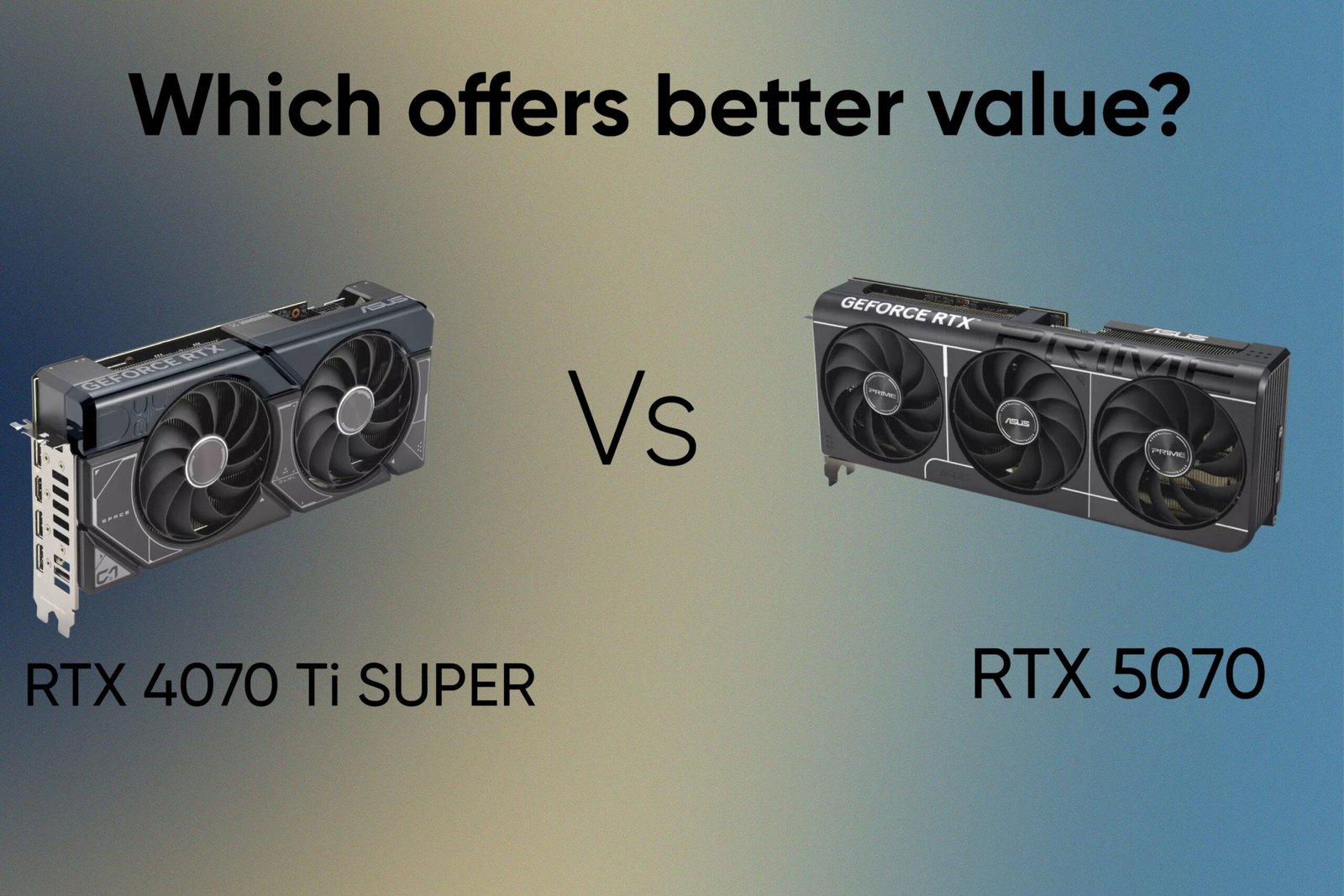
RTX 4070 Ti SUPER vs RTX 5070: Which offers better value?
As an Amazon Associate I earn from qualifying purchases


Leave a Reply